
Google Classroom Feedback Loops
Feedback loops are very effective for student learning!! But they can be difficult to implement. One of my favorite ways to help EVERY student take a step is to use the Private Comments in Google Classroom. https://youtu.be/jjDPRz83WSE In this member only webinar I share how I ask students to respond to a prompt IN THE […]
Using Quizizz to Engage All Learners with Marcia Mentors
Create a Quizizz account for FREE. Search for a specific topic to find pre-made lessons and quizzes. I recommend 10 questions or less for the most engagement and interest from students. Select a topic for FUN to help students learn the platform, such as the Olympic sport “curling”. This is a great way to get […]
Using “Make A Test Add-on” with Marcia Mentors
Make a Test in minutes for each student, that is unique. Begin by installing, “Make A Test” Add-on by Alice Keeler. Marcia starts with opening a new spreadsheet, sheets.new, and then going to “extensions” > “add-ons”>select ‘Make a Test’, and show the side bar. Click on the premium button and add the passcode. Click on […]
Setting Up Google Classroom
Get started setting up your Google Classroom!
WORKSHOP: Better Progress Reports
ONLINE WORKSHOP: This is for anyone using Google Apps. This is a variety of beginner to advanced tips. This is also an excellent opportunity to experience Google Classroom as a student.
Use Google Classroom Faster
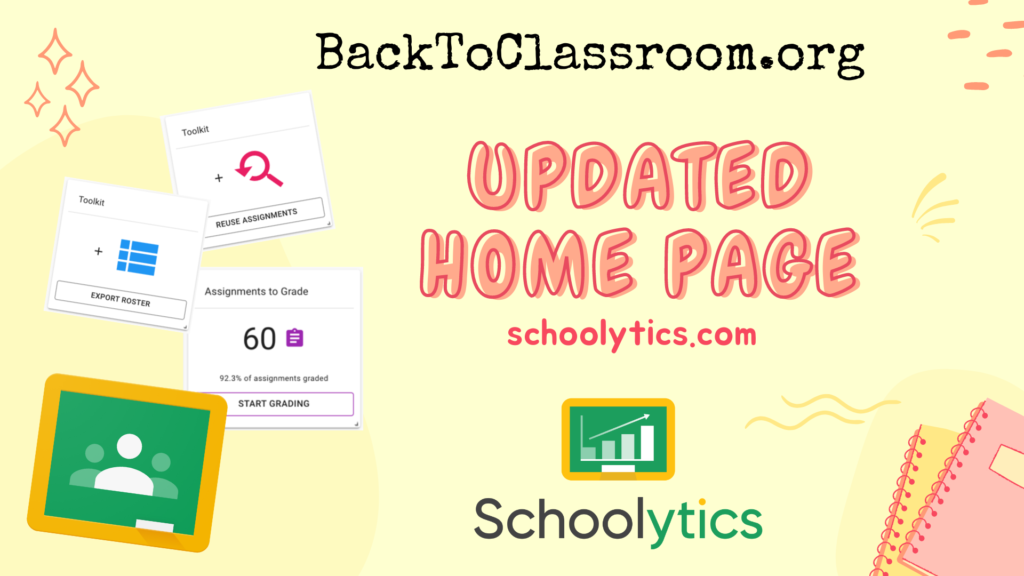
If you use Google Classroom you will be so excited about these new updates to Schoolytics that will make your life easier! Reuse assignments faster. Get a class roster. Know what to grade!
Getting the Most Out of the Sidebar
Google Classroom users, the sidebar has updated. Here is a breakdown of how. you can utilize the new layout!