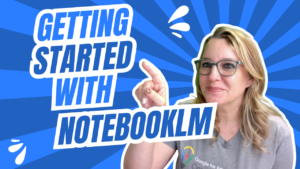
Workshop: NotebookLM
Start Workshop Go Slow Workshops are asynchronous and delivered through email. Please do NOT share the link or emails with others. This material is a
Webinar: Create a Big Answer Box in Google Sheets
Think Google Sheets is too limiting?! One way to free up sheets is to create LARGER BOXES! The answer is still always a spreadsheet! Spreadsheets
Create a Google Forms Get to Know You
New to Google Forms? Here is how to make a get to know you survey

Webinar: Intro to Google Vids
vids.google.com Google Vids is the newest product from Google Workspace. CREATE videos as easily as you make Google Slides. In this webinar I help you
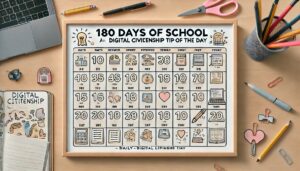
Advice: Digital Citizenship
In the weekly sign in I was asked about digital citizenship. There are SO MANY SCAMS! It is important to, even starting with kindergarteners, share
Webinar: Basics of FigJam
figjam.new FigJam is your replacement for Google Jamboard. A collaborative digital whiteboard. This webinar is the basics to get started with FigJam! https://youtu.be/l09bWlpTFGg Sample FigJam
Webinar: AI Diffit – It’s Easy!
alicekeeler.com/diffit Diffit is a AI tool that helps teachers create resources for their students. It allows teachers to search for a topic, theme, or question
Webinar: Canva Tips & Selfie Sticker
Recorded webinar of Alice Keeler sharing Canva tips including how to turn your selfie into a stickcer.
Spreadsheets for Teachers
Even if you are not new to spreadsheets, this webinar has some cool tricks and applications you might find useful!