
Add a Folder of Images to Slides
A member asked how to easily add a bunch of screenshots to an individual Google Slides. My first recommendation is to install Photos to Slides by Clay Smith. It’s much more polished and works in any Google Slides presentation and has more options. However, I made you a quick and dirty version for your personal […]
Office Hours 2024-12-07
Sharing in Google Slides. Recommendations for Google Drawings in art.
Push Student Responses to Your Slides
Install Audience Participator Audience Participator Add-on connects “any” Google Slides to a Google Form. Students fill out the Form and their answers become your slides! https://youtu.be/X7m7ZIGQrfQ Steps In any Google Slides use the Extensions menu to select “Audience Participator” and choose to show the sidebar. Scroll down a tiny bit, there is a set of […]
Webinar: Google Slides Add-ons with Alice Keeler
The recording from the live session. These are not formal webinars, they are intended to be interactive and allow you to ask questions. We went through some of my Add-ons and premium features for Google Slides. https://youtu.be/hDcZ1QYNJQc I have been adding lots of features to my Add-ons for Google Slides. How can you use premium […]
Add-on Slides to Spanish+
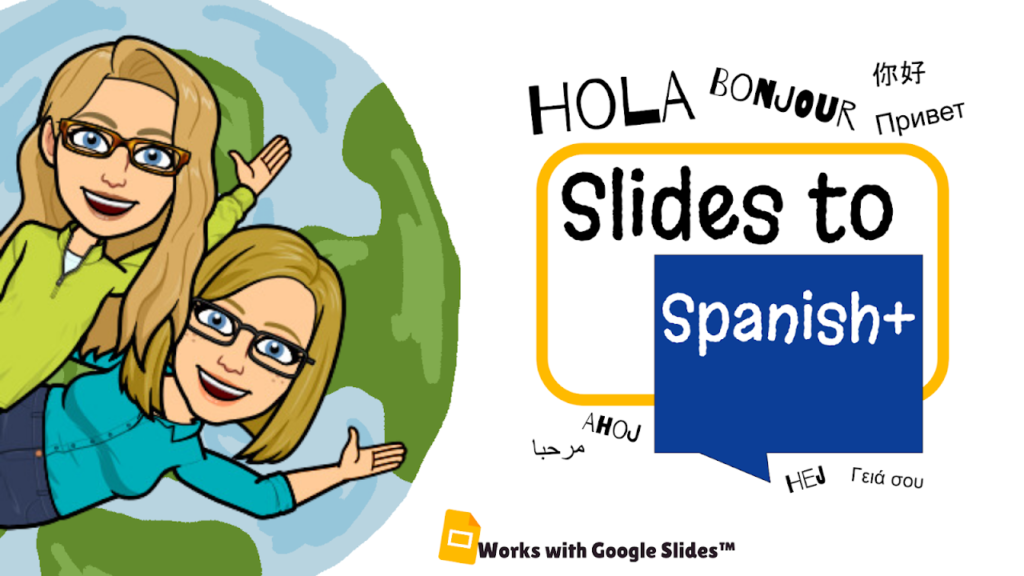
This is for YOU dear members!! At office hours a member requested an easier way to convert Google Slides to other languages. SO I MADE IT!! Install Slides to Spanish+ and select ALL the languages you need your Slides in. Install Slides to Spanish+ https://youtu.be/p5MnXzBw5Cw Collects NO User Data! No PII. When you use the […]
Webinar: AI Diffit – It’s Easy!
alicekeeler.com/diffit Diffit is a AI tool that helps teachers create resources for their students. It allows teachers to search for a topic, theme, or question and then provides them with resources that are aligned to specific standards and reading levels. https://youtu.be/IwGm1uVi0cs A Plethora of Graphic Organizers Diffit is not just another AI powered worksheet generator. […]
Workshop: 6 Ways to Teach with Google Slides
This 6 week Go Slow workshop helps you to practice some new techniques!
Gamified Uno Sample
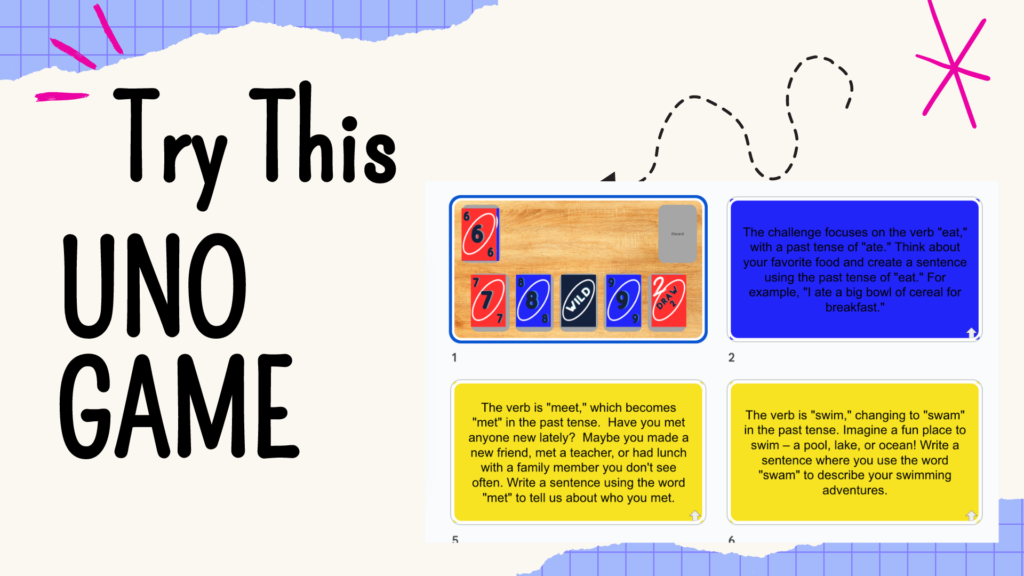
Try this Uno Warm-Up Sample and learn some tricks to speed up making your own!!
Google Slides Add-on Clear Rectangle
FASTER and easier! When you are giving a presentation or making a choice board … adding a clear rectangle on the slides gives you more control over the experience. Clear Slide Add-on helps you do this quickly.
Hyperlink Slides Choice Board Add-On
Alice and Marcia discussed how to use Hyperlink Slides Choice Board Add-on. Begin by installing this Add-on here: Student choice is one of the most engaging strategies that teachers can use. Any type of choice gives students the feeling of being in some control of their learning. Since Halloween is approaching, we created a choice […]