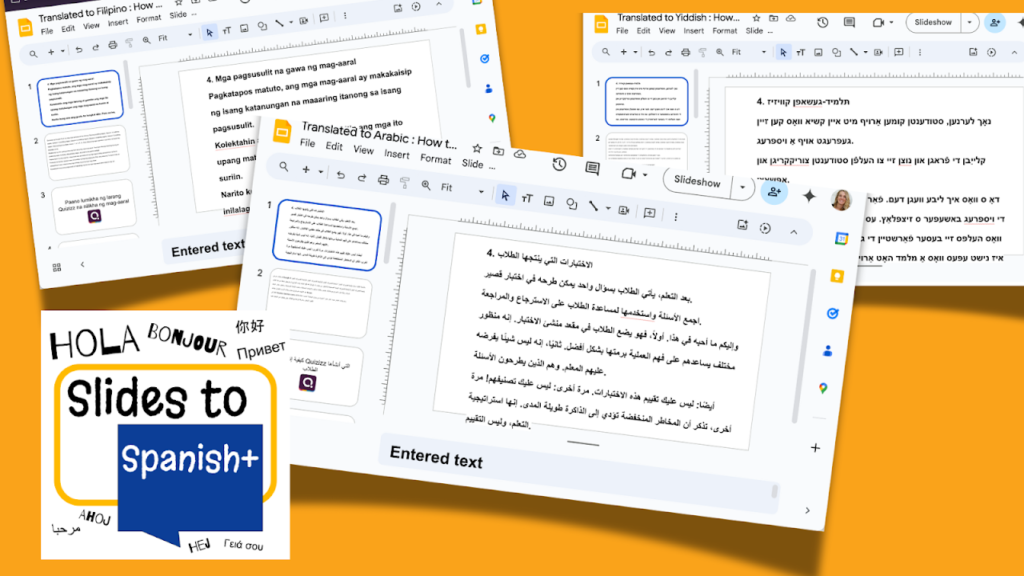
This is for YOU dear members!! At office hours a member requested an easier way to convert Google Slides to other languages. SO I MADE IT!! Install Slides to Spanish+ and select ALL the languages you need your Slides in.
Collects NO User Data! No PII. When you use the premium member passcode you have access to ALL of the premium features in Slides to Spanish+
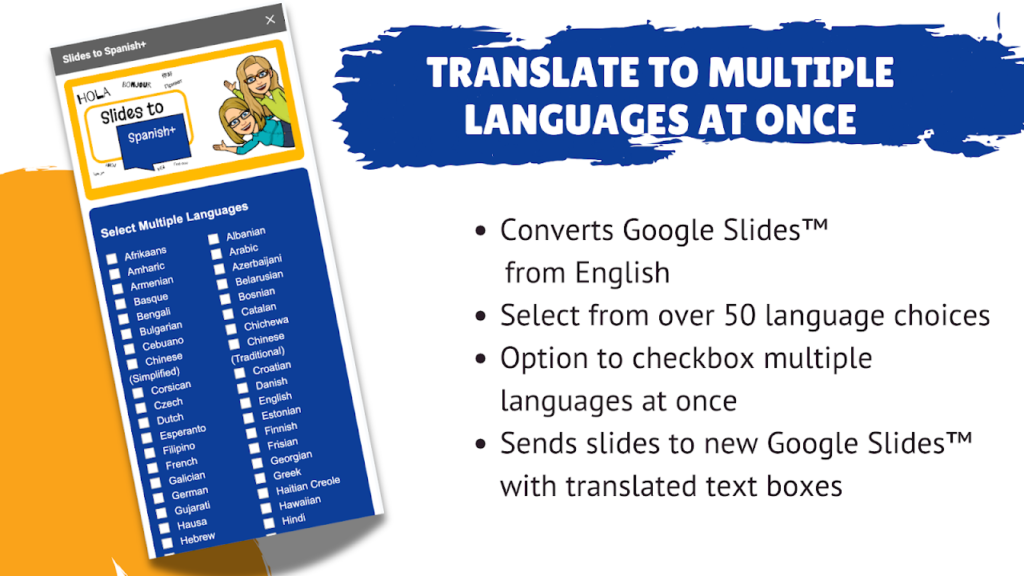
Convert to Multiple Languages at Once
Possibly, you have students in your class who are not native English speakers and possibly you have more than one language to make your slides accessible for. Slides to Spanish+ makes this easy for you!
Directions
Open your Google Slides
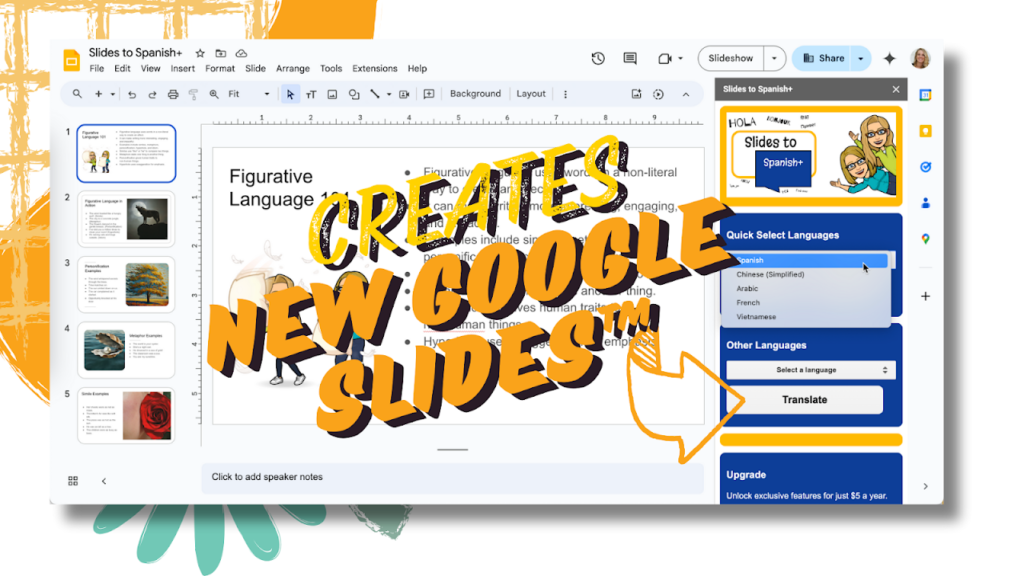
Use the Extensions menu to select Slides to Spanish+
Show Sidebar
Select the desired language from the drop down menu.
IF you have enabled pop ups it will appear in a new tab, otherwise go check Google Drive.
Select the Multiple Languages option to convert more than one at at time.
Checkbox ALL THE DESIRED language conversions.
Wait for it!!
The slides will appear blank until all of the text has been translated. It is working!
Check Google Drive for all of the converted Google Slides.
Caution: Standard Sized Slides Only
If your Google Slides are not “standard” dimensions the copies will be in the default dimensions. Sorry, to modify the slide size requires advanced permissions that makes it harder to get approved by your school.
Manually Adjust the Slide Dimensions
If your original slides were in portrait, or some other non standard dimensions, you can change them manually in the copies. Use the FILE menu to select “Page setup” and set the length and width to match what your original slides were. They SHOULD adjust perfectly.