
Webinar: Using Reuse GC for Google Classroom
End of Year: Cleaning up Google Drive
In this webinar, Alice demonstrates several of her tips and tricks for quickly cleaning up your Google Drive. “If you will ever touch a file again, STAR it!” “Press P for “preview” and press N to “name” the file. This tips will help you and your students prepare for next year.
Webinar: Engaging Students with Google Tools
Alice is super passionate about engaging students in a student centered learning environment. She discusses how the activity needs to improve learning, not just be digital. If students aren’t engaged, change the task. Alice demonstrates Choice Boards using her add-on Hyperlink Slides Choice Board. Giving students choices is very engaging and gives students a feeling […]
Using 5 New Features in Padlet with Marcia MENTORS
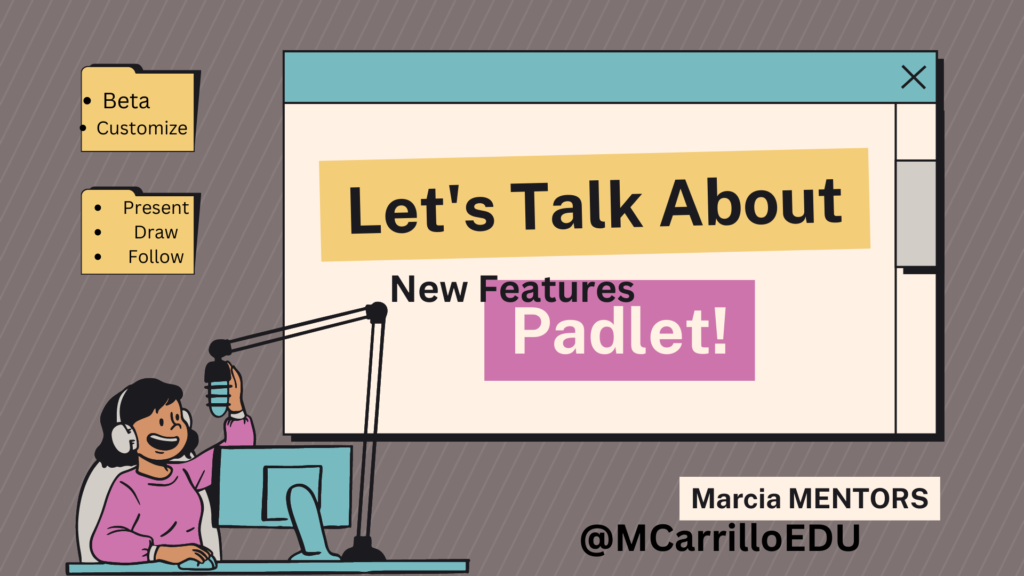
Marcia demonstrates 5 new features in Padlet. Turn a Padlet into a presentation with one click. Sign up for new features by clicking on “beta tester”. Follow a Padlet and get notifications when someone posts. Create a personalized ending of the Padlet link, with your brand website. Use the AI feature in Padlet to draw […]
Tips (1/6/23) Start a New Google Classroom
Profiles & Weekly Tip New-bee Create a New Class in Google Classroom for the New Semester Friday Night Relief Is it Time To Update Your Bitmoji? Bitmoji.com Bitmoji is a cartoon version of you. Warning, some of the Bitmoji’s are very inappropriate. I caution you to consider using it for yourself but to be thoughtful about if you […]
Using An “Explore Board” for UDL
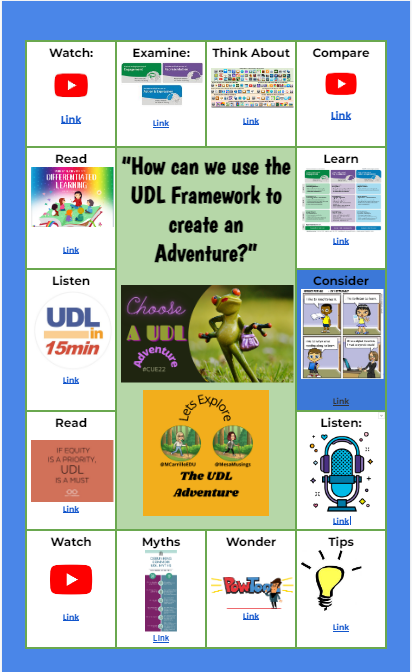
Universal Design For Learning, is a framework to improve teaching and learning by planning for all types of learners, with a focus on equity and student centered learning. I was first introduced to ‘Explore Boards’ from Holly Clark, with the Infused Classroom. Here is her blog with a complete explanation and a sample board for […]
Google Classroom: Tutorial Reuse GC Add-on (Part 1)
If you are a Google Classroom user I have created an unofficial Add-on to help you better manage your class. Make a Copy of the Add-on To use the Add-on you need to make a copy of my spreadsheet. The code is “stapled” to the spreadsheet. You can only access it from the copy of […]
Webinar: Branching Google Forms
What happens if a student gets a question wrong in a Google Form? Send them to a tutorial instead of the next question!! This webinar shows you how to set up the Form
Webinar: Roster Extras Do Fun Things
Coded by Alice, roster extras helps you do fun things with your roster.
Webinar: Better Google Classroom Progress Reports
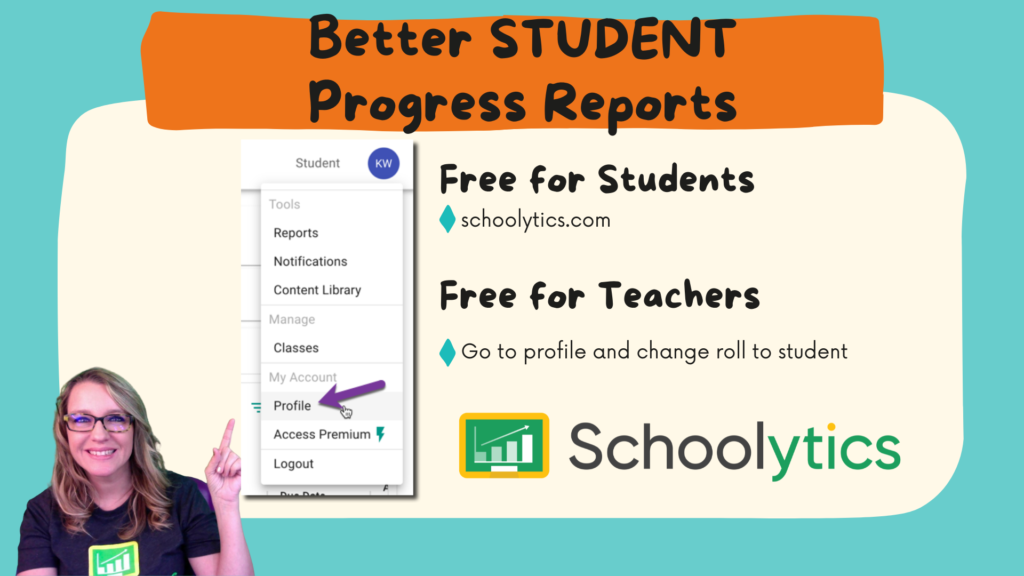
Celebrate student achievements with better progress reports in Google Classroom by using schoolytics.com