
Webinar: Branching Google Forms

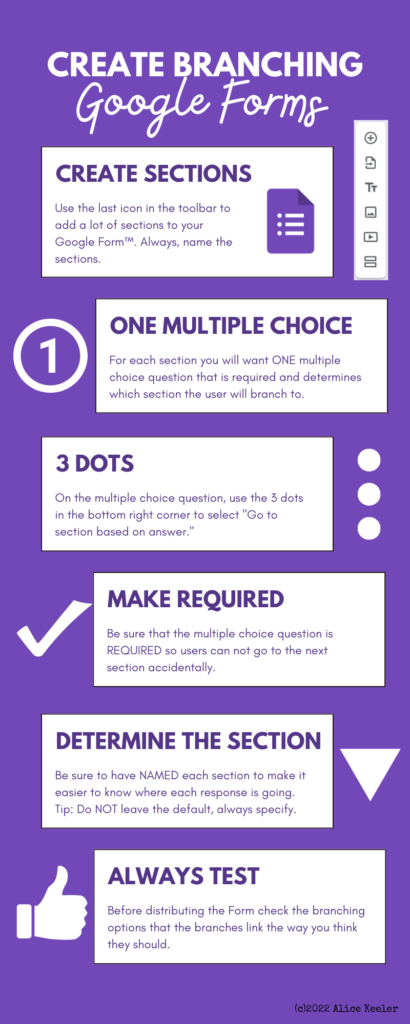
What happens if a student gets a question wrong in a Google Form? Send them to a tutorial instead of the next question!! This webinar shows you how to set up the Form

Google Forms is the best! And you can make it even better by creating Branching Forms to have an action happen after someone selects a choice from a multiple choice question.
Try This Form

Before we jump into making a Branching Form try out this Form. It has tips in it along the way so even if you think you know, fill it out 🙂

YouTube of the Webinar

Leave a Reply

Your email address will not be published. Required fields are marked *

Member login

Login not required! Only need to register an account to post comments on pages or post in the forum.