
Advice: Using the Canvas LMS
I do not use Canvas. My friend Marcia has been my Canvas expert. You can email her at marcia@alicekeeler.com if you have some pedagogy questions about using Canvas. She is usually very helpful. Marcia has provided many tips for Canvas which I am sorting in a RANDOM order below. See the bottom for some additional […]
Using Padlet to Collaborate-Have you checked it out lately?
A college professor recently mentioned on twitter they were interested in having students collaborate more, in class. They are tired of only hearing from 2-3 students. They didn’t want the hassle of too many logins, security issues, set ups, etc. and yet wanted to “integrate” it into CANVAS LMS. My reply was, “Give @padlet a […]
Making CANVAS Buttons
Add Confetti On Submission In CANVAS

Add confetti on submission of an assignment, in CANVAS LMS. Select “online submission”, a due date and publish it.
Organizing The Navigation In Canvas LMS
Marcia Carrillo demonstrates how to effectively organize the navigation titles in your Canvas LMS course.
Changing The Course Image In Canvas LMS
Using Canvas Commons
Check out this quick video on how to use Canvas Commons. Canvas Commons is a digital resource library. Why Use Canvas Commons? Are you teaching a new course this year? Are you a new Canvas user? Would you like to upgrade some of your lessons or content? Then, Canvas Commons is perfect for your needs. […]
Using Google Drive In Canvas LMS
Using Google Drive in Canvas LMS is mostly related to “Creating Assignments” and giving students their own copy of a document, presentation, etc, from your Google Drive. This allows students the ability to type on their own copy and then submit it when completed. This is similar to handing out a graphic organizer and […]
CANVAS LMS – Office Hours with Marcia
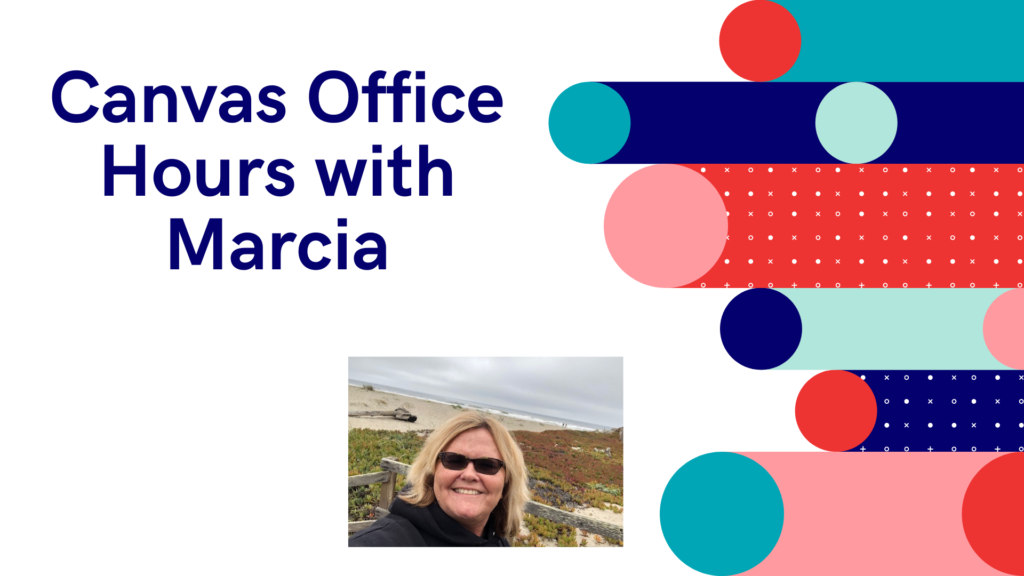
Marcia Carrillo is our Canvas LMS expert. Check out her office hours session for some tips on using Canvas. In today’s office hours we went over embedding content on Canvas Pages and ideas for sending an announcement.
Send An Announcement
The quickest way to communicate with your class or send information for students to review or collaborate on is by, Sending An Announcement. On the sidebar click on Announcements then click on the + symbol and start typing. You can also use the Canvas App on your phone to quickly send an announcement to just […]