
If you are a Google Classroom user I have created an unofficial Add-on to help you better manage your class.
Make a Copy of the Add-on
To use the Add-on you need to make a copy of my spreadsheet. The code is "stapled" to the spreadsheet. You can only access it from the copy of the spreadsheet. COLLECTS NO USER DATA! When you make a copy of the template you have the code and are considered the developer. You are only authorizing YOURSELF access to your own accounts. The list of permissions looks scary but remember you are only authorizing YOURSELF access to your own Google tools.
Steps
- For EACH Google Classroom go to alicekeeler.com/reusegc
- Wait up to 2 minutes for the code to load.
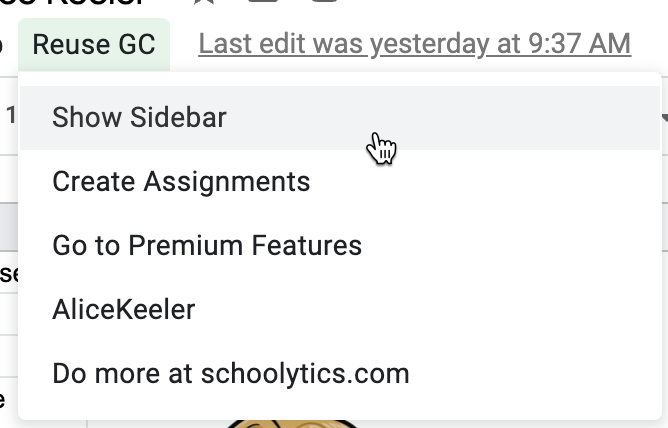
- When the code loads the menu Reuse GC select Show Sidebar
- Choose Import Classes.
- Once your list of classes loads in the spreadsheet, check the checkbox next to the class you want and click "Set Class" in the sidebar.
- Go to Assignments. You can select a class to reuse assignments from. You can do this multiple times!!! Load up assignments from as many past classes as you want.
- On the sheet created with the list of assignments,