
Intro to Canva for Education
Join Scott Nunes (former teacher) from Canva and Alice Keeler to chat about how to get into using Canva with your students!
Webinar: Using Canva to Create Google Slides Choice Boards
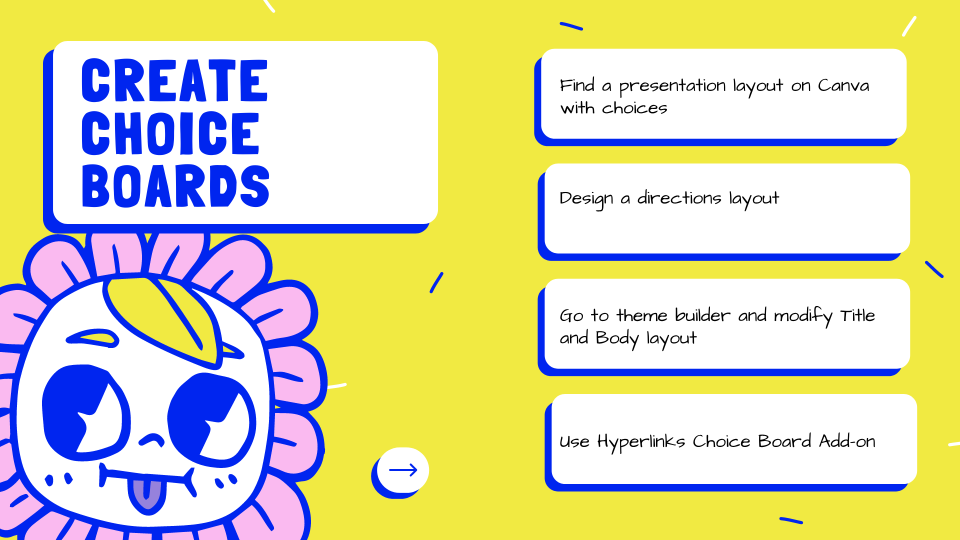
CHOICE BOARD! Canva makes it fast and fun to create fun designs for your Google Slides choice board.
5 Keyboard Shortcuts to Boost Your Productivity
I will go over 5 lesser known keyboard shortcuts that will help you to be more productive!
3 Ways to Use Google Sites This Semester
3 Ways to use Google Sites (websites) THIS semester!
Template: Photo Exploration
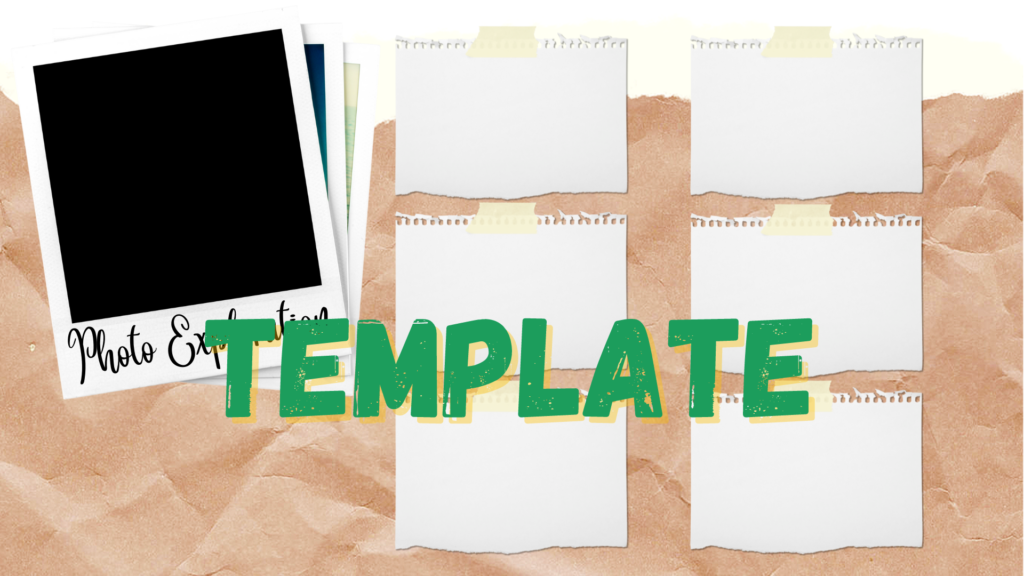
Photo exploration template in Google Slides with the Canva template to customize.
Webinar: What do you notice/wonder?
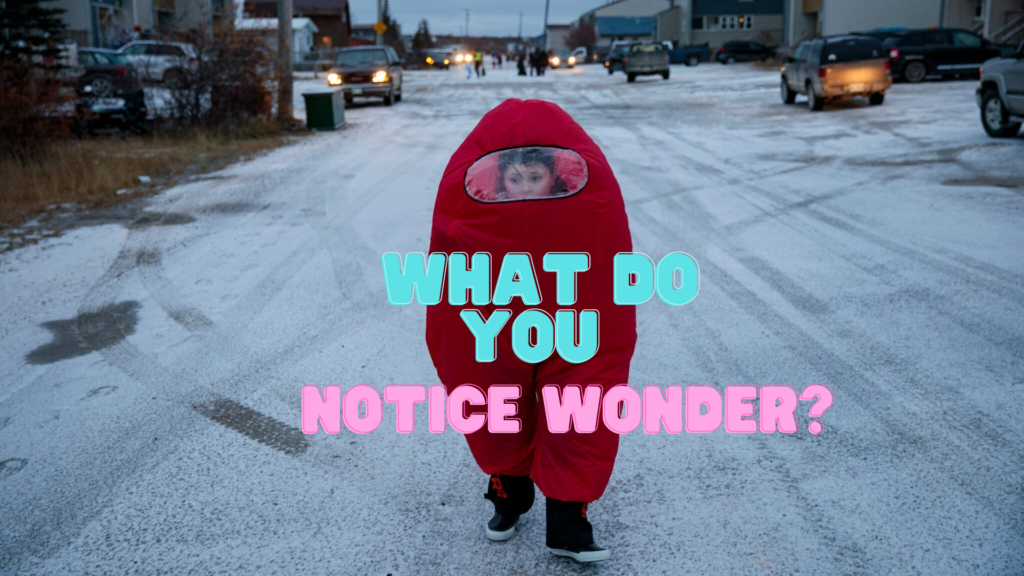
Use the teaching technique What do you notice wonder? Try out this Google Forms Add-on to allow ALL students to notice and wonder. A Google Slides is automatically created to have class discussion with student observations.
GAME: Shut the Box + Spanish Version
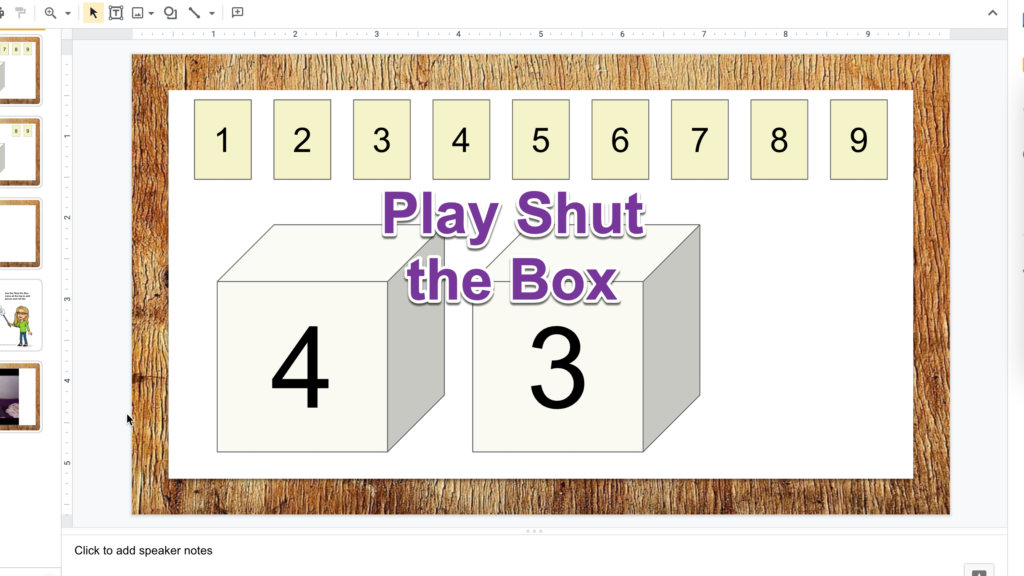
Fun times! Use this Google Slides template to play a game with your family and friends…. even if they are not in the same room.
Drip Workshop: 14 One Minute Zingers
I avoid auto inviting members to anything but once in a rare while I attempt to draw in some members to try something out. I already invited you and you should be receiving an email a day for 14 days. My goal is to have 14 things you did not know! Now this is clearly […]
Drip Workshop: Getting Started with Google Jamboard
DRIP workshop. Learn about Google Jamboard with an email a week.
Magically Hyperlink Google Slides
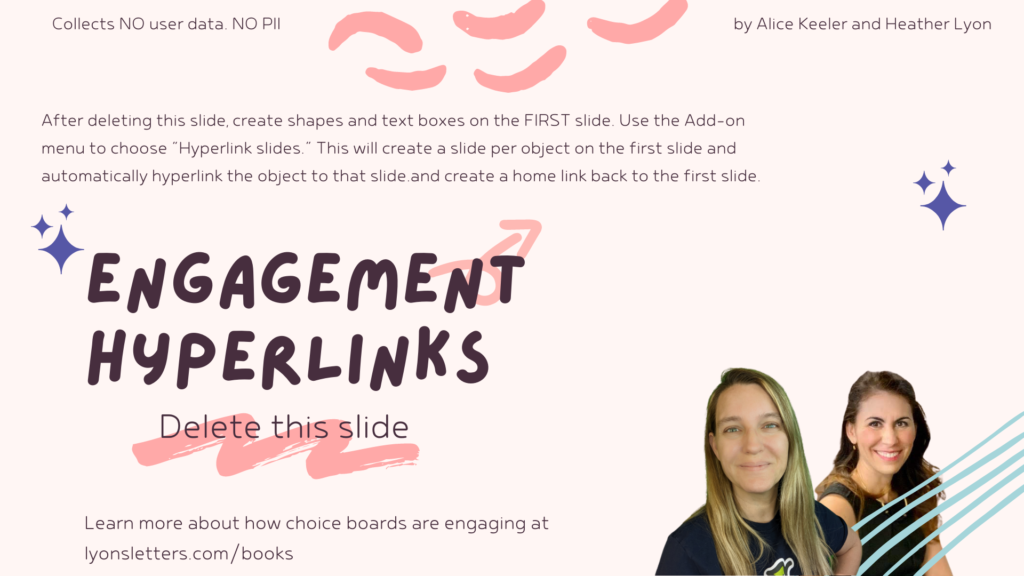
This template was created to help engage students with choices. Create choices on the first slide and then use the Add-on to automatically hyperlink each choice to a new slide.