
Webinar Week 1-4/08/23: ChatGPT and Google Apps Script
Alice Keeler gets participants coding immediately with Google Slides. This is an advanced skill but with the help of ChatGPT, this is possible for everyone. Alice demonstrates how to use ChatGPT to code a variety of specific results. Clearly communicating with ChatGPT is modeled as prompts are modified again and again.
Webinar Week 2: 4/15/23 ChatGPT & Google Apps Script
Alice Keeler leads this live session on using ChatGPT to “short cut” coding. Alice emphasizes how to articulate what you want to code to ChatGPT. Alice demonstrates the debugging process when ChatGPT might not provide the correct code. Today’s lesson will focus on “Side bars and Menus”.
Webinar: Engaging Students with Google Tools
Alice is super passionate about engaging students in a student centered learning environment. She discusses how the activity needs to improve learning, not just be digital. If students aren’t engaged, change the task. Alice demonstrates Choice Boards using her add-on Hyperlink Slides Choice Board. Giving students choices is very engaging and gives students a feeling […]
Webinar: ChatGPT and how to use it in the classroom.
Get started with ChatGPT. Alice demonstrates what it is and some ways to use it!
Using and Creating Explore Boards with Marcia Mentors
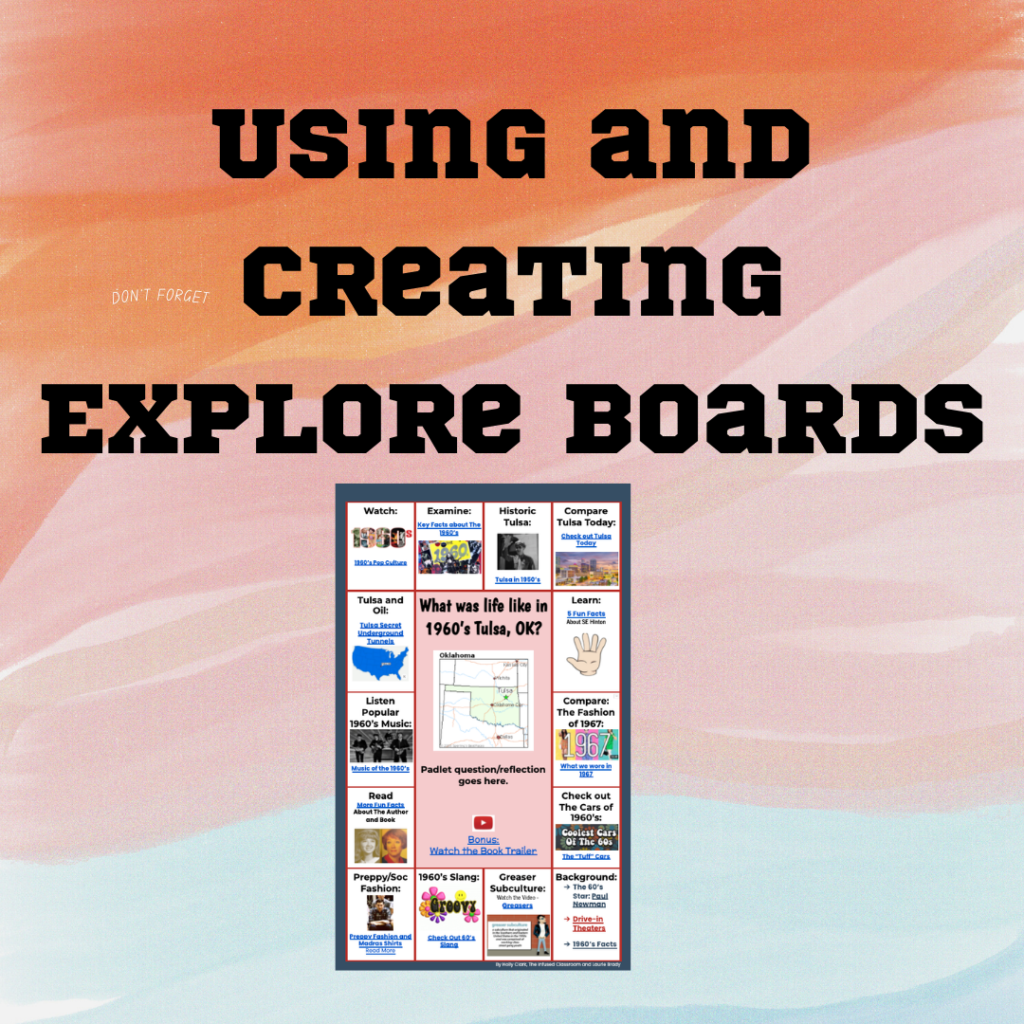
In this webinar, Marcia shares Explore Boards by Holly Clark @hollyclarkedu. Explore Boards have an essential question with a variety of media choices for students to explore, about a topic, book, concept, etc. Marcia shared some pre-made Explore Boards made by Holly Clark. Marcia also shared one she created on Universal Design for Learning. After […]
Using Quizizz to Engage All Learners with Marcia Mentors
Create a Quizizz account for FREE. Search for a specific topic to find pre-made lessons and quizzes. I recommend 10 questions or less for the most engagement and interest from students. Select a topic for FUN to help students learn the platform, such as the Olympic sport “curling”. This is a great way to get […]
Webinar: Coding a Mail Merge
Alice demonstrates how to code a Mail Merge. She starts off with creating a spreadsheet with all the names, email addresses and the “data” you want to send out. Open a new tab and create a unique “template” of some kind that you want to send to each person. Start the message with <<Name>> which […]
Getting Started with CANVA Docs with Marcia MENTORS
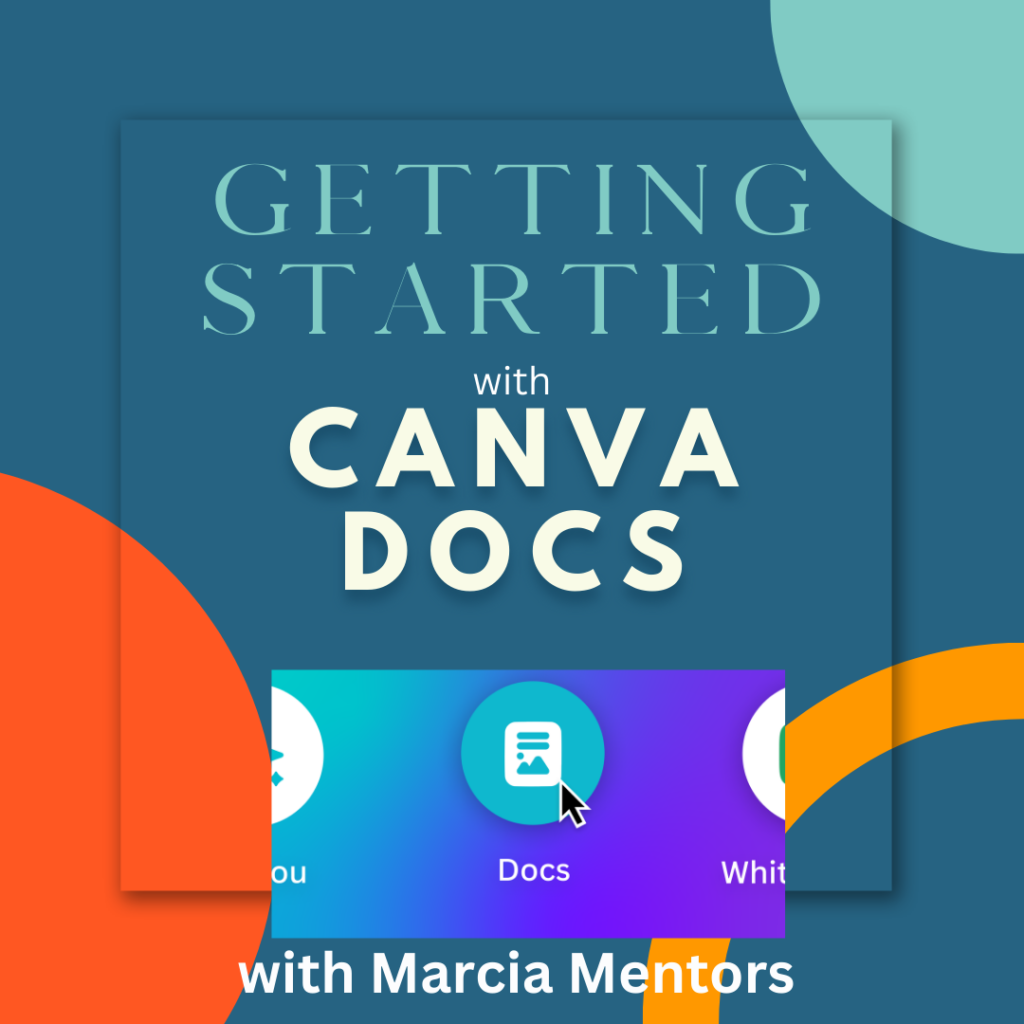
In this webinar Marcia explores the new platform of CANVA Docs. Go to Canva.com and get started. Type in “docs” in the search bar to get started with a blank doc. The plus sign will allow you to add a design, heading, video, table, checklist, emojis, a timer and more. CANVA docs seems similar to […]
Webinar: All Quizzes in One Google Sheets
EASIER! Have only ONE spreadsheet for ALL your Google Forms. Much easier to find all the student results.
Add-on Make Me a Test
I coded my final!!! Each student gets a different version. The code I made was SUPER SPECIFIC to the final I gave so I can’t just give you that. BUT I made you a quick version and I am going to work on making this even better for you!! Copy the Add-on Directions Phase One […]