
Super Hero Template – Google Slides
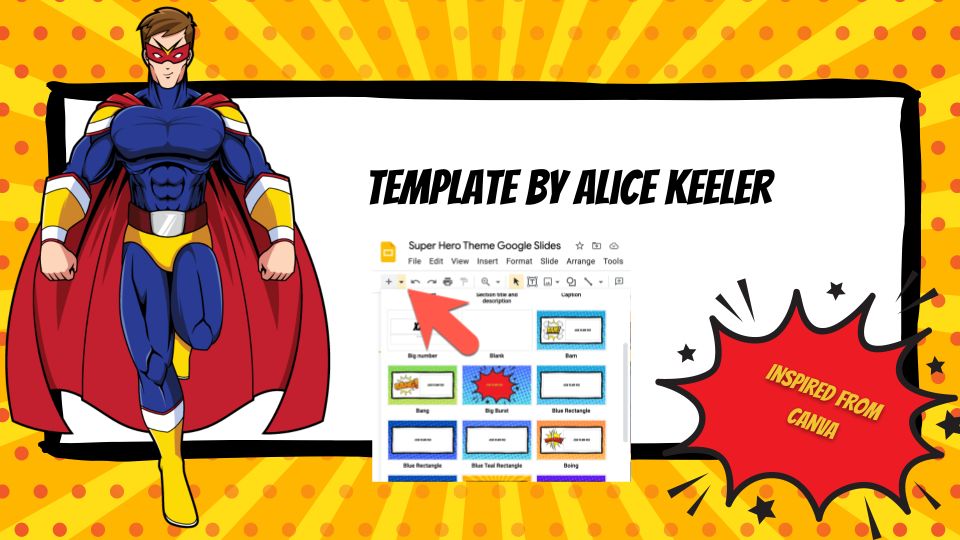
Use this super hero theme for Google Slides with your students. It will be SUPER!
WORKSHOP: Better Progress Reports
ONLINE WORKSHOP: This is for anyone using Google Apps. This is a variety of beginner to advanced tips. This is also an excellent opportunity to experience Google Classroom as a student.
Snagit for Screenshots
I love love love Snagit! I use it for my video recordings, my screenshots, and creating animated GIF’s. It is NOT free, but there is a teacher discount. Video I made with Snagit and Canva Video In the video below the screen recordings are in Snagit. I dragged them from Snagit into Canva to create […]
NOTES: Office Hours – Nov 20 2021
In office hours we discussed spreadsheets, taking attendance in a spreadsheet, making videos in Canva.
Pull the Paragraph
SAVE HOURS! This Add-on by Alice Keeler will let you read all student work from Google Docs and give feedback without having to open the documents
CANVAS LMS – Office Hours with Marcia

Marcia Carrillo is our Canvas LMS expert. Check out her office hours session for some tips on using Canvas. In today’s office hours we went over embedding content on Canvas Pages and ideas for sending an announcement.
Coding Google Slides
Google Apps Script is one of the easier coding languages to learn (I think) because of several reasons. One is that where you make the code and how you execute the code are in the same place. That is pretty unique. Google Slides is NOT the place to start coding Google Apps Script. There are […]
Writing DOK 2 Level Questions
Depth of Knowledge (DOK) is how much critical thinking the students are doing. In this webinar we will look at what is a DOK 2 level question and some suggestions for how to write them. Live in DOK 2 and DOK 3; Visit DOK 1 and 4 – Shelley Burgess If it can be Googled […]
Send An Announcement
The quickest way to communicate with your class or send information for students to review or collaborate on is by, Sending An Announcement. On the sidebar click on Announcements then click on the + symbol and start typing. You can also use the Canvas App on your phone to quickly send an announcement to just […]
Adding a Spreadsheet to a Google Form
If you use Google Forms you want a spreadsheet to go with it! FOR REALS! Here is how to do it!