
Webinar: ChatGPT and how to use it in the classroom.
Get started with ChatGPT. Alice demonstrates what it is and some ways to use it!
Webinar: Coding a Mail Merge
Alice demonstrates how to code a Mail Merge. She starts off with creating a spreadsheet with all the names, email addresses and the “data” you want to send out. Open a new tab and create a unique “template” of some kind that you want to send to each person. Start the message with <<Name>> which […]
Webinar: Intro to Coding Google Apps Script
You want to learn to code! The purpose of this webinar is to make you feel “yes, I want to learn that.” This is a short pep talk and intro to coding Google Apps Script and then we will learn more!
Hyperlink Slides Choice Board Add-On
Alice and Marcia discussed how to use Hyperlink Slides Choice Board Add-on. Begin by installing this Add-on here: Student choice is one of the most engaging strategies that teachers can use. Any type of choice gives students the feeling of being in some control of their learning. Since Halloween is approaching, we created a choice […]
Scheduler Add-on Tutorial
Create an event where participants rank their preference of sessions. Scheduler Add-on builds the schedule!
Intro To Teaching with Google Docs
Intro to teaching with Google Docs… we use tech DIFFERENTLY than paper!
Intro to Teaching with Google Sheets Webinar
Teach with Google Sheets Spreadsheets!
Create an Interactive Lesson Using Google Sheets
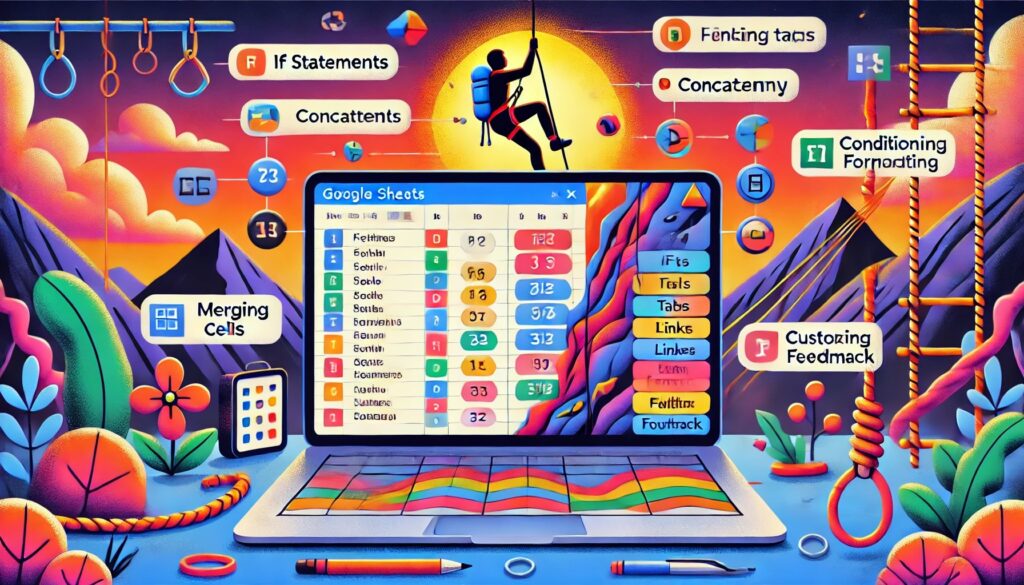
AI Generated Summary The tutorial explains how to create an interactive lesson using Google Sheets, focusing on building skills for both students and educators in using spreadsheets effectively. The instructor emphasizes the importance of teaching students how to use spreadsheets, introducing various functions like IF statements, concatenation, and conditional formatting. The lesson example revolves around […]
Increasing Critical Thinking (DOK)
Increase the critical thinking (DOK) levels in your class.
Webinar: Pull a Rabbit Out of the Hat
Have fun with Google Jamboard! Create a hidden spot on your Jam for students to pull things out of!