
Webinar: Engaging Students with Google Tools
Alice is super passionate about engaging students in a student centered learning environment. She discusses how the activity needs to improve learning, not just be digital. If students aren’t engaged, change the task. Alice demonstrates Choice Boards using her add-on Hyperlink Slides Choice Board. Giving students choices is very engaging and gives students a feeling […]
TIPS: 1/25/23 Create A Cart Sort Activity
Hello %contact.first_name%, New-bee 📎 👉Create A Cart Sort Activity In Teacher.desmos.com 💡”Card Sort” in Desmos is a great activity to find out what students know, are confused about and what they still need to learn. ☑️ The teacher will create cards that will be “matched”. Definitions-“text”, images, math and graphing. Assign to students. 🚦 All subjects get a “green light” […]
TIPS: (1/18/23) What Will Overcome the Kids Being Behind?
A Note From Alice Kids Are Behind What are schools doing to get students back on track? The problem is the SCHOOLS not the kids …. pretending that we were not just in a global pandemic. We are behind because we did not change the scope and sequence. EVERYTHING HAS CHANGED! ChatGPT and other technology […]
Using 5 New Features in Padlet with Marcia MENTORS
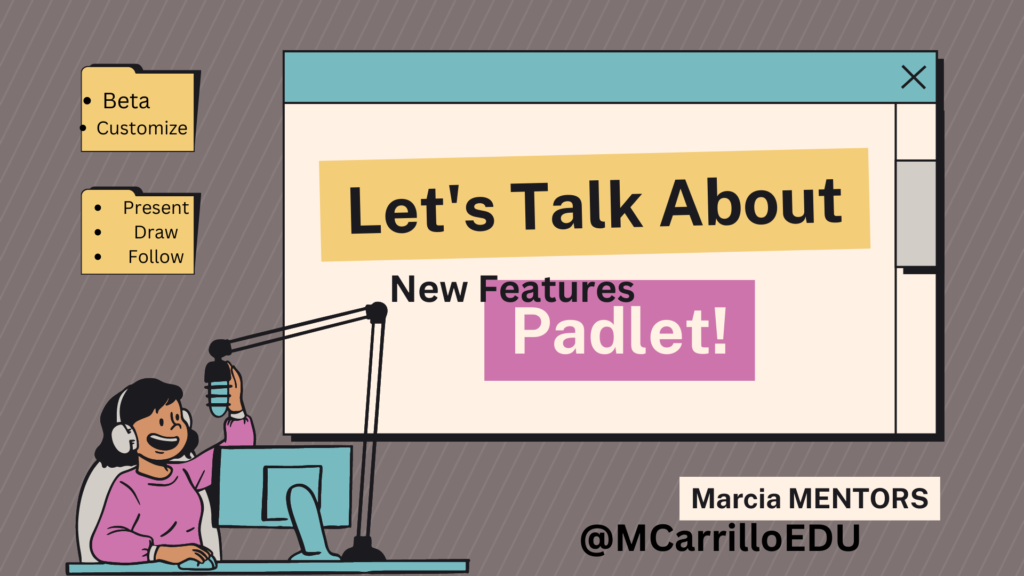
Marcia demonstrates 5 new features in Padlet. Turn a Padlet into a presentation with one click. Sign up for new features by clicking on “beta tester”. Follow a Padlet and get notifications when someone posts. Create a personalized ending of the Padlet link, with your brand website. Use the AI feature in Padlet to draw […]
Using and Creating Explore Boards with Marcia Mentors
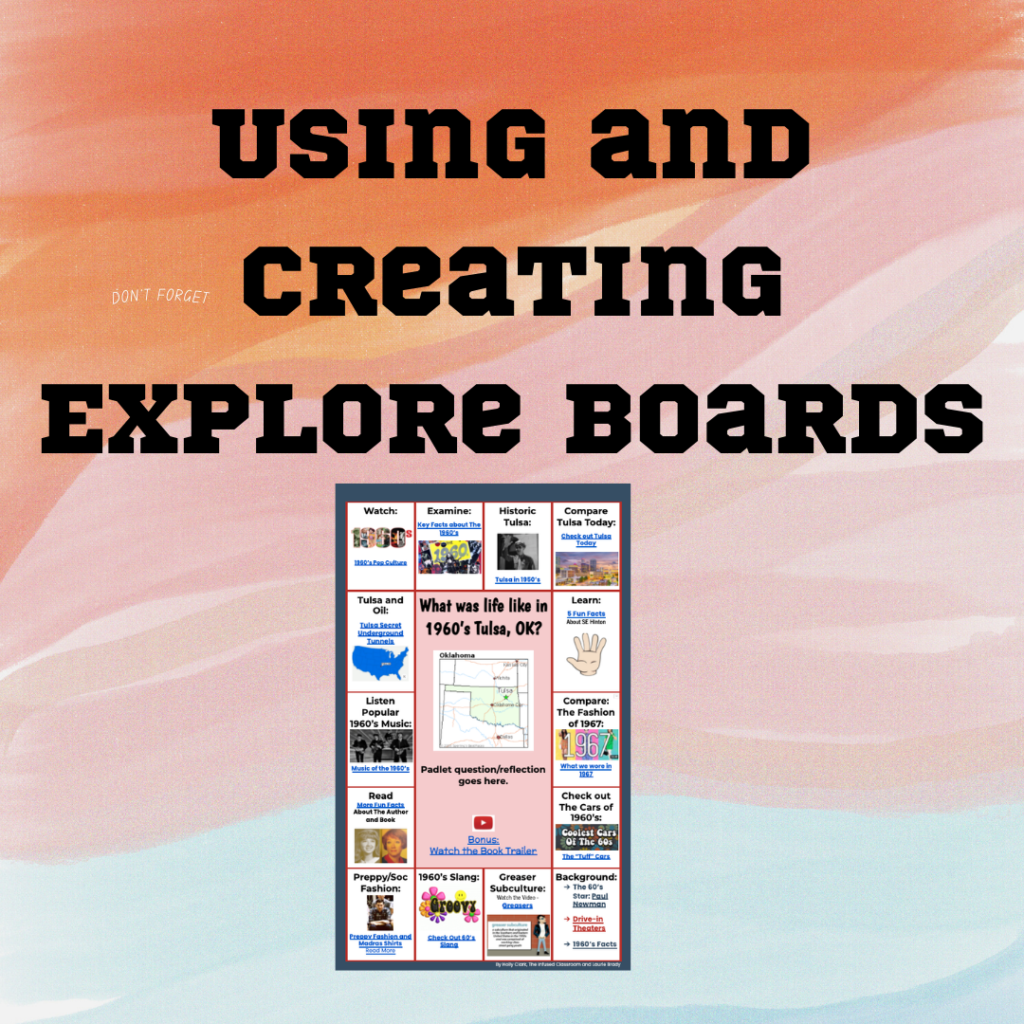
In this webinar, Marcia shares Explore Boards by Holly Clark @hollyclarkedu. Explore Boards have an essential question with a variety of media choices for students to explore, about a topic, book, concept, etc. Marcia shared some pre-made Explore Boards made by Holly Clark. Marcia also shared one she created on Universal Design for Learning. After […]
Using Quizizz to Engage All Learners with Marcia Mentors
Create a Quizizz account for FREE. Search for a specific topic to find pre-made lessons and quizzes. I recommend 10 questions or less for the most engagement and interest from students. Select a topic for FUN to help students learn the platform, such as the Olympic sport “curling”. This is a great way to get […]
Using “Make A Test Add-on” with Marcia Mentors
Make a Test in minutes for each student, that is unique. Begin by installing, “Make A Test” Add-on by Alice Keeler. Marcia starts with opening a new spreadsheet, sheets.new, and then going to “extensions” > “add-ons”>select ‘Make a Test’, and show the side bar. Click on the premium button and add the passcode. Click on […]
Getting Started with CANVA Docs with Marcia MENTORS
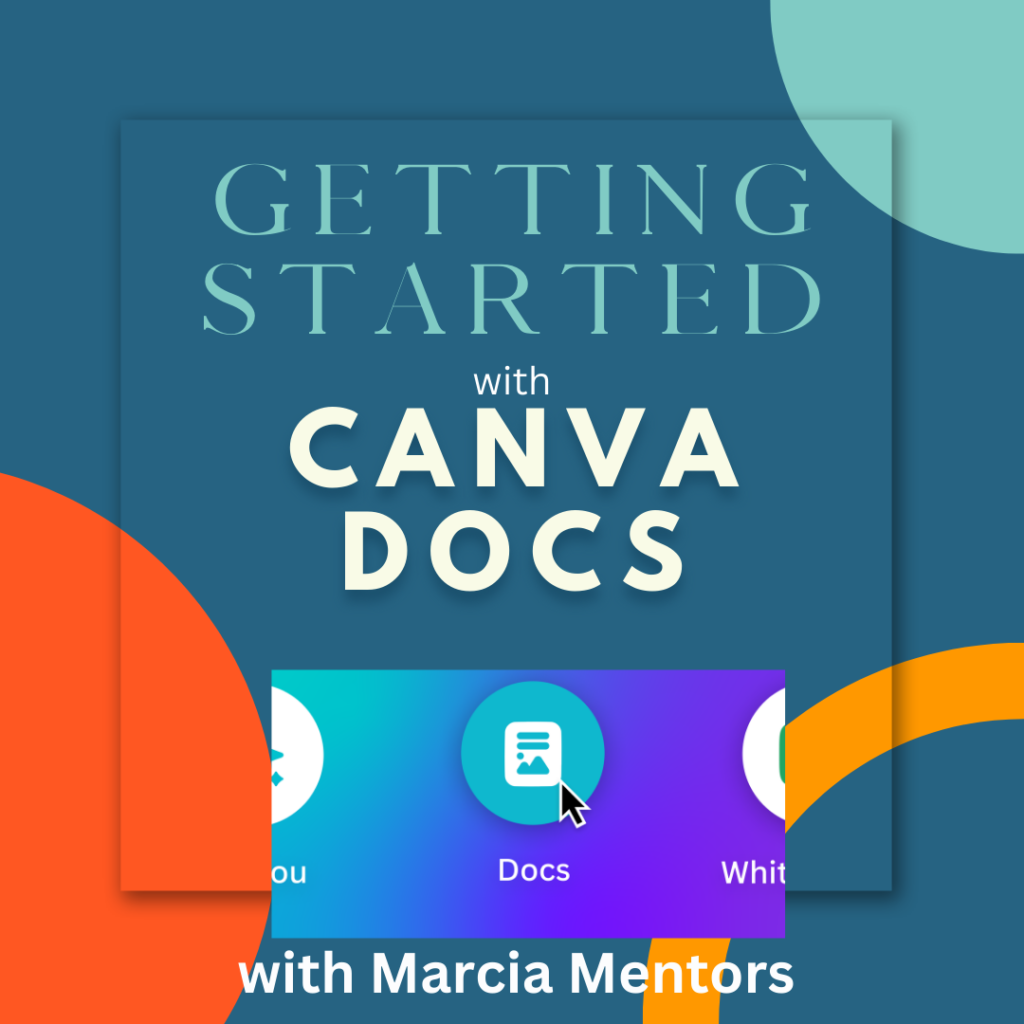
In this webinar Marcia explores the new platform of CANVA Docs. Go to Canva.com and get started. Type in “docs” in the search bar to get started with a blank doc. The plus sign will allow you to add a design, heading, video, table, checklist, emojis, a timer and more. CANVA docs seems similar to […]
Using CANVA To Create GIFS with Marcia MENTORS
Marcia demonstrates how to use CANVA to create GIFS. Simply, log on to canva.com and use the “Instagram Post” as it is a nice square, blank canvas to create a GIF. Click on the canvas and select a background color from the pallet on the top left. Add text, by selecting “TEXT” from the left […]
Using Padlet to Collaborate-Have you checked it out lately?
A college professor recently mentioned on twitter they were interested in having students collaborate more, in class. They are tired of only hearing from 2-3 students. They didn’t want the hassle of too many logins, security issues, set ups, etc. and yet wanted to “integrate” it into CANVAS LMS. My reply was, “Give @padlet a […]