
Webinar: ChatGPT and how to use it in the classroom.
Get started with ChatGPT. Alice demonstrates what it is and some ways to use it!
Using Quizizz to Engage All Learners with Marcia Mentors
Create a Quizizz account for FREE. Search for a specific topic to find pre-made lessons and quizzes. I recommend 10 questions or less for the most engagement and interest from students. Select a topic for FUN to help students learn the platform, such as the Olympic sport “curling”. This is a great way to get […]
Google Slides Add-on Clear Rectangle
FASTER and easier! When you are giving a presentation or making a choice board … adding a clear rectangle on the slides gives you more control over the experience. Clear Slide Add-on helps you do this quickly.
Intro To Teaching with Google Docs
Intro to teaching with Google Docs… we use tech DIFFERENTLY than paper!
Intro to Teaching with Google Sheets Webinar
Teach with Google Sheets Spreadsheets!
Create an Interactive Lesson Using Google Sheets
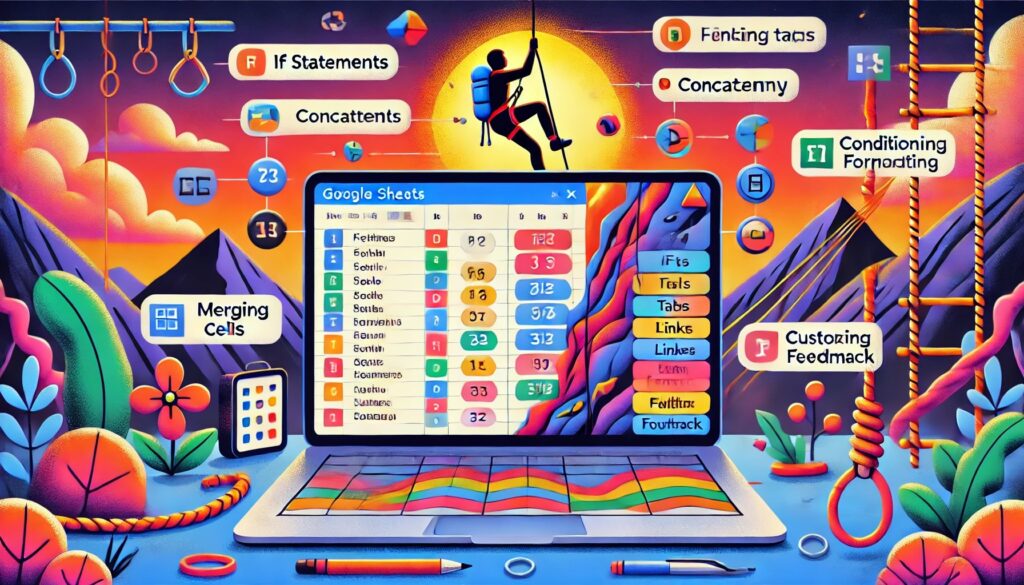
AI Generated Summary The tutorial explains how to create an interactive lesson using Google Sheets, focusing on building skills for both students and educators in using spreadsheets effectively. The instructor emphasizes the importance of teaching students how to use spreadsheets, introducing various functions like IF statements, concatenation, and conditional formatting. The lesson example revolves around […]
Webinar: Pull a Rabbit Out of the Hat
Have fun with Google Jamboard! Create a hidden spot on your Jam for students to pull things out of!
Add-on Audience Participator by Alice Keeler
Exclusive Add-on for AliceKeeler premium members! Connect your Google Slides to a Google Form. Responses from the Form come back to the slides.
CANVA – Getting Started with Canva for Education
Canva is FREE and fun. Learn how to get started with Canva for education.
Webinar: Using Canva to Create Google Slides Choice Boards
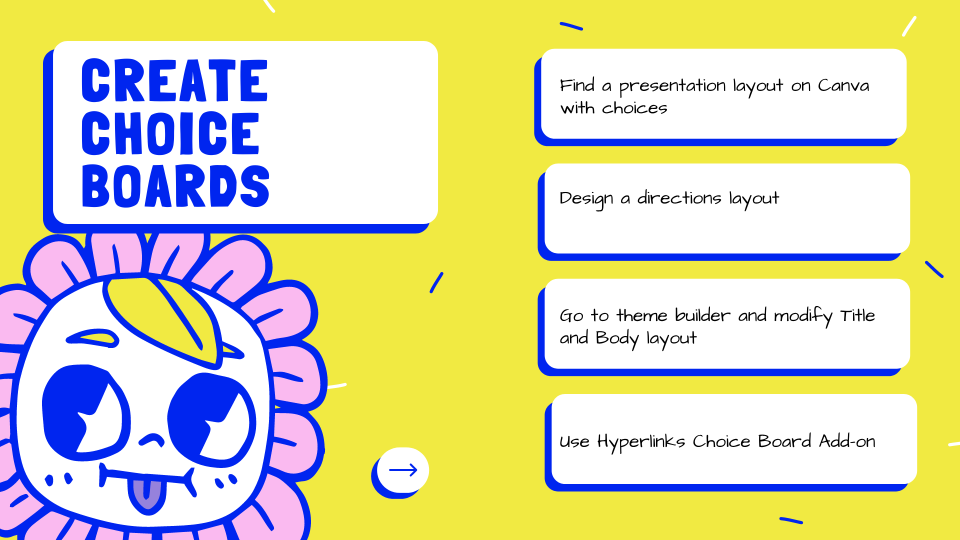
CHOICE BOARD! Canva makes it fast and fun to create fun designs for your Google Slides choice board.