
Webinar: Branching Google Forms
What happens if a student gets a question wrong in a Google Form? Send them to a tutorial instead of the next question!! This webinar shows you how to set up the Form
CalAdd – Add Multiple Events to Google Calendar
Add multiple Google Calendar events at once! By member request
Snagit Your Must Have Image Editor
For images you use when teaching the program SNAGIT is what I use. It is NOT FREE but worth it.
Webinar: Google Forms All Quizzes in One Google Sheets
If you use Google Forms for your Quizzes then it will be helpful to find all the results in one place!
Printing Your Final
PRINT YOUR GOOGLE FORMS! You sometimes need a backup. This webinar shows you how to print to a Google Doc so you can customize before you print.
Who Did NOT Fill Out the Google Form
Who did NOT fill out the Google Form? This webinar will show you how to use Alice’s add-on to make this easy.
Webinar: Faster Google Forms Quizzes
If you use Google Forms for Quizzes Quiz Helper by Schoolytics will save you a lot of TIME!!
Webinar: Using the Speaker Notes in Google Slides
Try the Speaker Notes by Schoolytics Add on to easily send your speaker notes in Google Slides to a Google Doc
Webinar: Roster Extras Do Fun Things
Coded by Alice, roster extras helps you do fun things with your roster.
Magically Hyperlink Google Slides
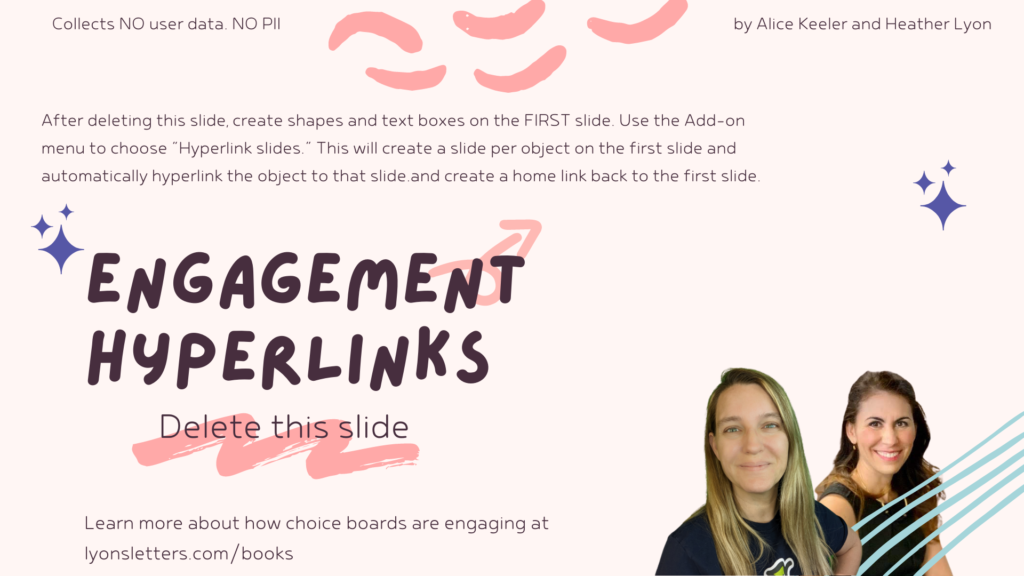
This template was created to help engage students with choices. Create choices on the first slide and then use the Add-on to automatically hyperlink each choice to a new slide.