
Webinar: What do you notice/wonder?
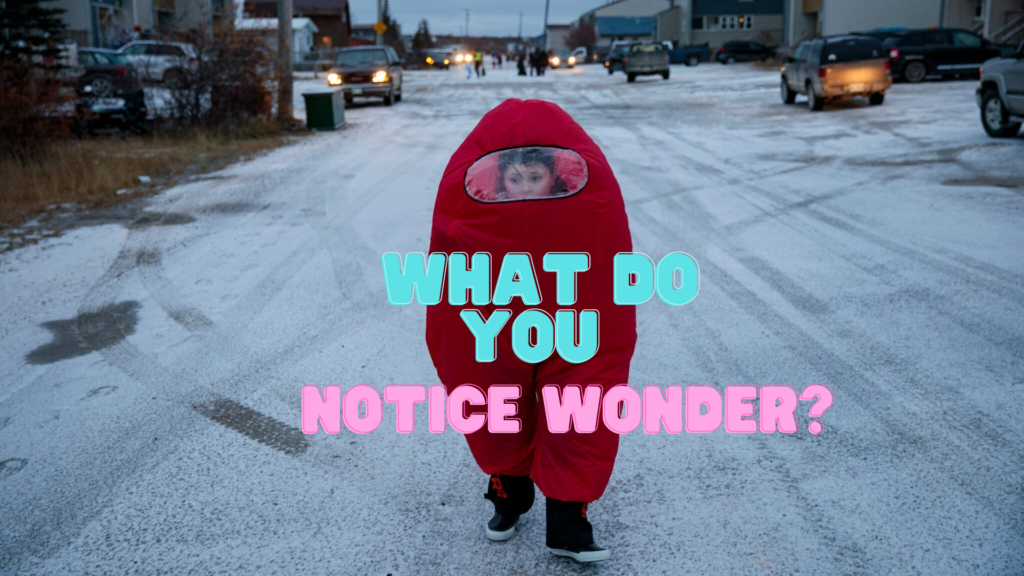
Use the teaching technique What do you notice wonder? Try out this Google Forms Add-on to allow ALL students to notice and wonder. A Google Slides is automatically created to have class discussion with student observations.
Workshop: Coding Google Forms
Take your coding skills up a step. Try your hand at coding Google Forms.
GAME: Shut the Box + Spanish Version
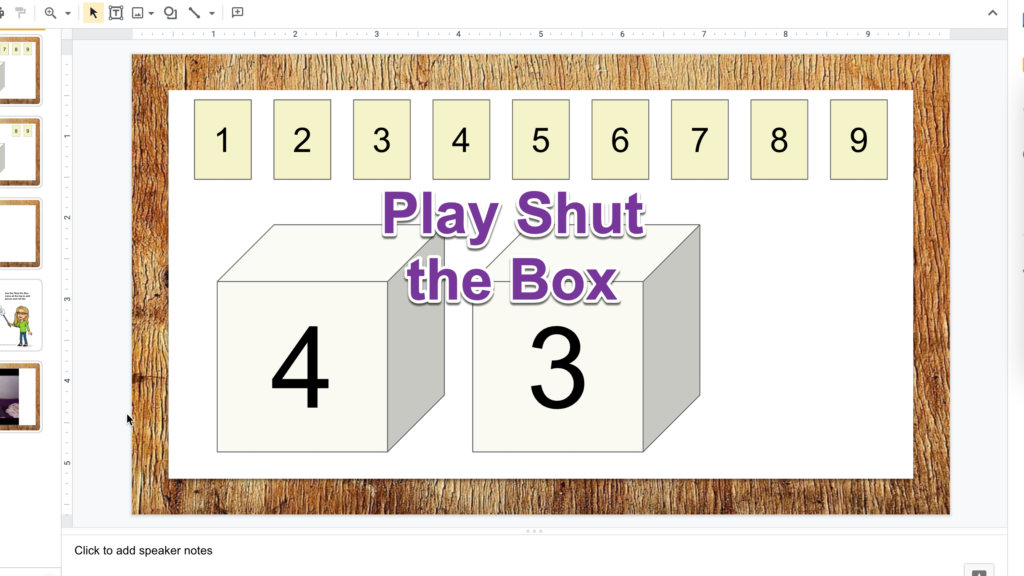
Fun times! Use this Google Slides template to play a game with your family and friends…. even if they are not in the same room.
Drip Workshop: 14 One Minute Zingers
I avoid auto inviting members to anything but once in a rare while I attempt to draw in some members to try something out. I already invited you and you should be receiving an email a day for 14 days. My goal is to have 14 things you did not know! Now this is clearly […]
Webinar: The Goal is Not DOK 4
I am really passionate about increasing the DOK levels (critical thinking) of my students. Live in DOK 2 and DOK 3. Visit DOK 1 and DOK 4. Let’s talk about the difference between hard and COMPLEX. DOK 4 is COMPLEX reasoning. You will be doing pretty good to do DOK 4 once or twice a […]
Webinar: Create a Choice Board

This is a fun and easy way to give your students some choice options!
What is Google Apps Script?

Google Apps Script can save you so much time and allow you to do what you really wish you could do with Google Apps.
Magically Hyperlink Google Slides
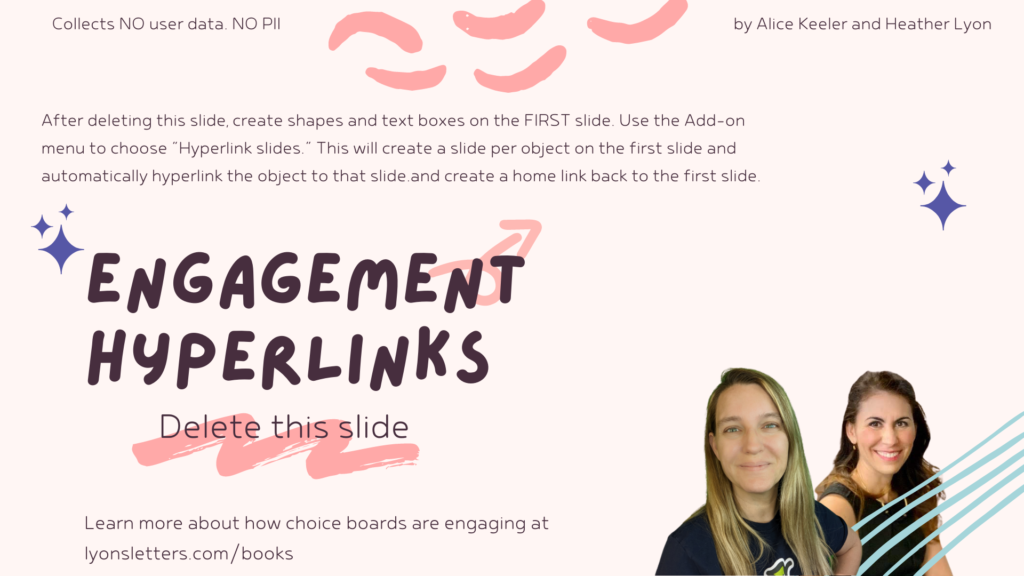
This template was created to help engage students with choices. Create choices on the first slide and then use the Add-on to automatically hyperlink each choice to a new slide.
WORKSHOP: Better Progress Reports
ONLINE WORKSHOP: This is for anyone using Google Apps. This is a variety of beginner to advanced tips. This is also an excellent opportunity to experience Google Classroom as a student.
Snagit for Screenshots
I love love love Snagit! I use it for my video recordings, my screenshots, and creating animated GIF’s. It is NOT free, but there is a teacher discount. Video I made with Snagit and Canva Video In the video below the screen recordings are in Snagit. I dragged them from Snagit into Canva to create […]