
2 Question Form to Slides Premium
Send 2 questions of student responses to a Google Slides. Students fill out the form with 2 questions to answer and both their answers are pushed to the slide.
Hear My Spelling Words
Use the Mote Chrome extension to add audio on repeat for students to be able to practice their spelling words.
Writing DOK 2 Critical Thinking Questions
Google and YouTube have changed what is important. We can not stop students from Googling questions. The alternative is to change the question and increase the critical thinking. YouTube
Increasing Critical Thinking Using Google Apps
Critical Thinking is CRITICAL!!! Here are the slides for my OTIS webinar. Leave questions in the comments!
Webinar: JavaScript Dates
Learning to code? Here is how to handle dates in your JavaScript! Google Apps Script!
Webinar: Roster Extras Do Fun Things
Coded by Alice, roster extras helps you do fun things with your roster.
Present Your Google Forms Responses
Send all student responses from a Google Form to Google Slides. By question.
Intro to Canva for Education
Join Scott Nunes (former teacher) from Canva and Alice Keeler to chat about how to get into using Canva with your students!
Webinar: Using Canva to Create Google Slides Choice Boards
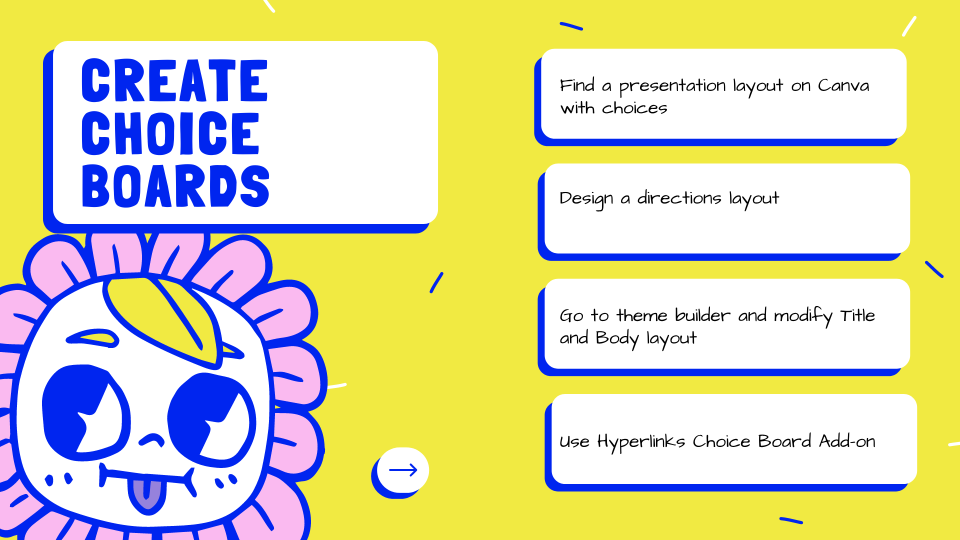
CHOICE BOARD! Canva makes it fast and fun to create fun designs for your Google Slides choice board.
Intro to Coding Google Apps Script
Learn to code. You can do this! Let’s get started with how to code Google Apps Script.