
Google Slides: Customize the Theme

Have more fun with Google Slides! Designing your own theme is fun and easy!
Present Your Google Forms Responses
Send all student responses from a Google Form to Google Slides. By question.
Webinar: Using Canva to Create Google Slides Choice Boards
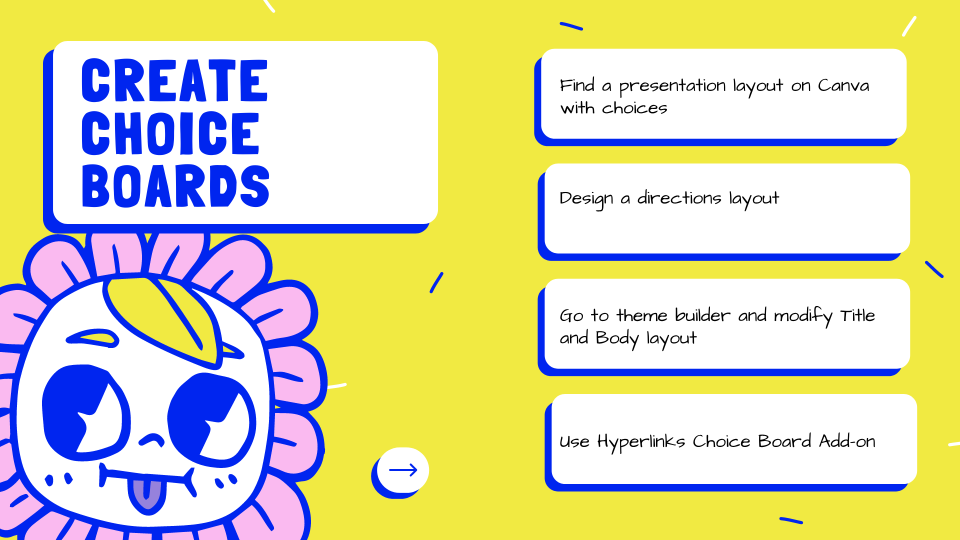
CHOICE BOARD! Canva makes it fast and fun to create fun designs for your Google Slides choice board.
Math – Using Google Slides to Explore
Google Slides can be a great way to introduce a math concept. Engage, Explore! See my sample activity for congruent and similar figures.
Webinar: What do you notice/wonder?

Use the teaching technique What do you notice wonder? Try out this Google Forms Add-on to allow ALL students to notice and wonder. A Google Slides is automatically created to have class discussion with student observations.
GAME: Shut the Box + Spanish Version
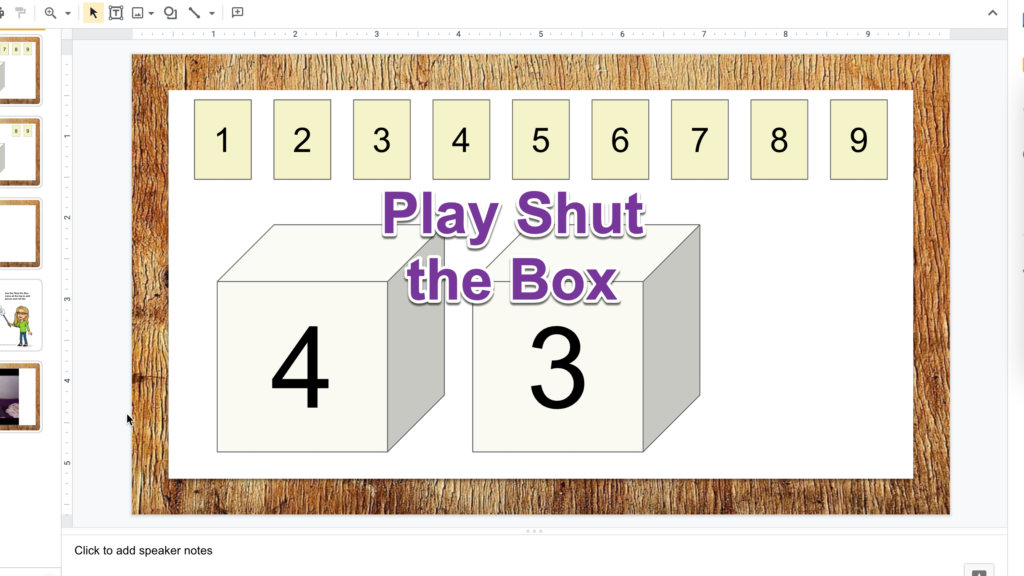
Fun times! Use this Google Slides template to play a game with your family and friends…. even if they are not in the same room.
Webinar: Create a Choice Board

This is a fun and easy way to give your students some choice options!
Notes from Office Hours
Office Hours: My new add on for making linked Google Slides choice boards. Did a little Desmos demo. Talked about how to have something read the computer to kids.
Magically Hyperlink Google Slides
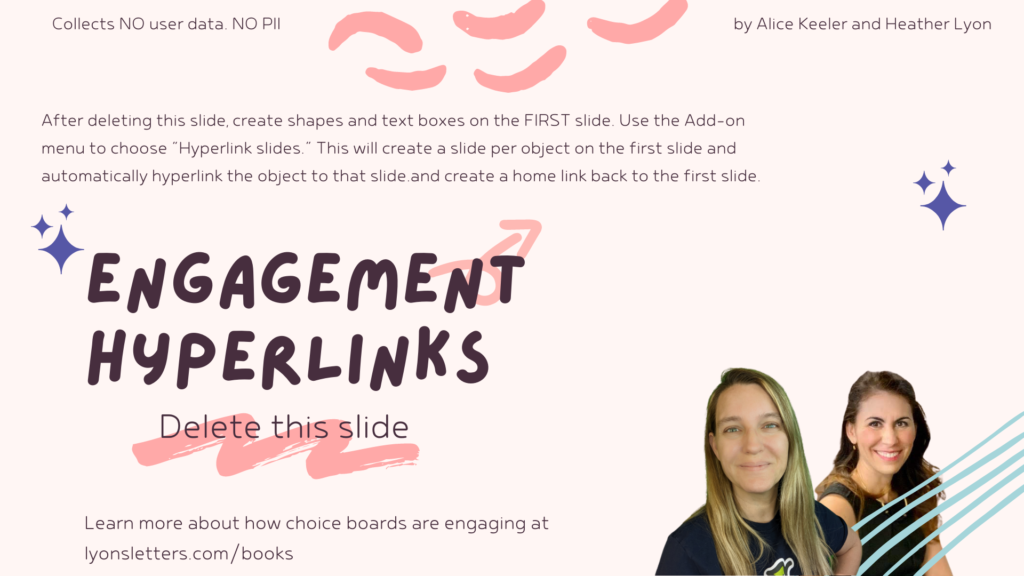
This template was created to help engage students with choices. Create choices on the first slide and then use the Add-on to automatically hyperlink each choice to a new slide.
Super Hero Template – Google Slides
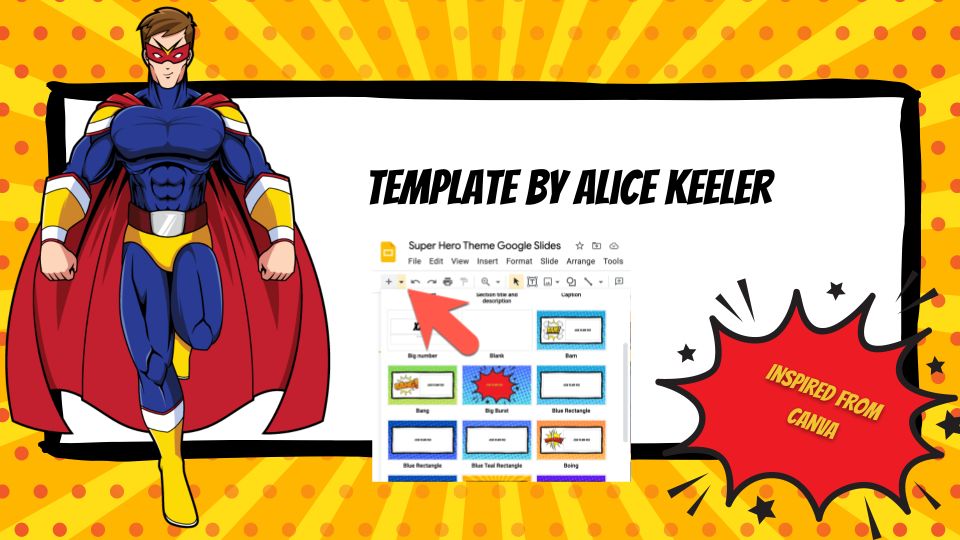
Use this super hero theme for Google Slides with your students. It will be SUPER!