
WORKSHOP: Better Progress Reports
ONLINE WORKSHOP: This is for anyone using Google Apps. This is a variety of beginner to advanced tips. This is also an excellent opportunity to experience Google Classroom as a student.
Coding Google Slides
Google Apps Script is one of the easier coding languages to learn (I think) because of several reasons. One is that where you make the code and how you execute the code are in the same place. That is pretty unique. Google Slides is NOT the place to start coding Google Apps Script. There are […]
Add-on What Do You Notice Template
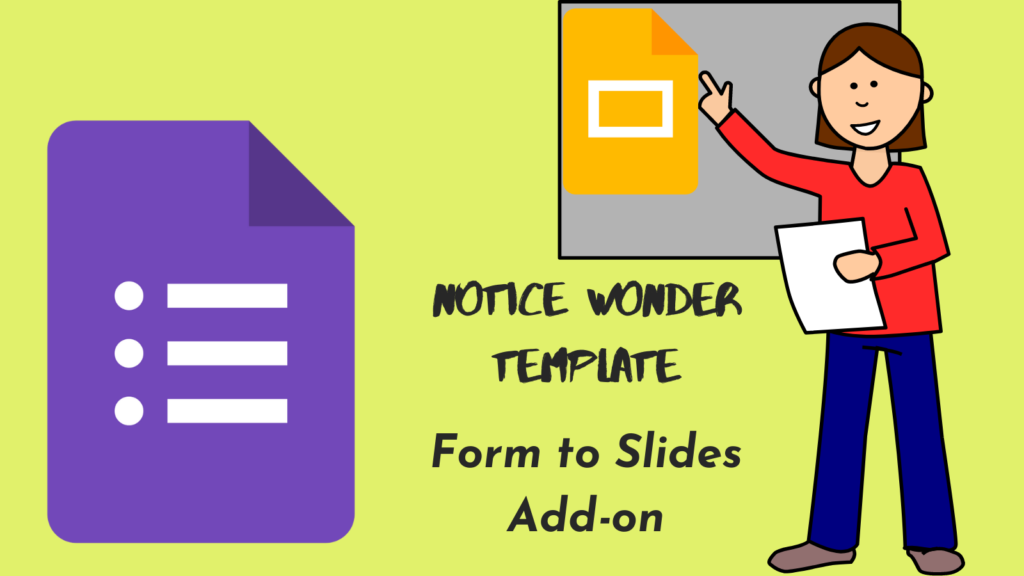
Form to Slides!! This Add-on creates a What do you notice template that is customizeable. Add an image. Have students comment. Responses go to Google Slides. Have a class discussion.
Add-on Form to Slides Premium
Add-on to take Form responses and push them to Google Slides. Use the puzzle piece menu at the top to authorize the Add-on.
Slides to Critique the Reasoning of Others
ANY class can use this activity of having students share an idea in a Google Form. These go to Slides. Randomize. Have a class discussion.
Webinar: First Slide to Push Google Slides
Push and Pull from student Google Slides. Update their slides. Provide feedback faster with FIRST SLIDE. An Add-on by Alice Keeler
Collaborative Slides – Everyone on the Same Slide
A member asked about having 32 students on collaborative slides. This is when you make ONE Google Google Slides and share it with the students with edit access. Each student adds their own slide and does their work on the same slides. My Response: They add their own slide and they put their name in […]
Share Student Ideas with Google Slides
This Back to Classroom presentation is about how to go beyond using Google Slides to present our ideas and instead gain more active student engagement by sharing THEIR ideas.