
WORKSHOP: Better Progress Reports
ONLINE WORKSHOP: This is for anyone using Google Apps. This is a variety of beginner to advanced tips. This is also an excellent opportunity to experience Google Classroom as a student.
Super Basics of Schoolytics

Google Classroom users, you want this free tool for teachers. Schoolytics.com will help you save lots of time. Get progress reports, know what to grade, reuse assignments. Check it out.
Use Google Classroom Faster
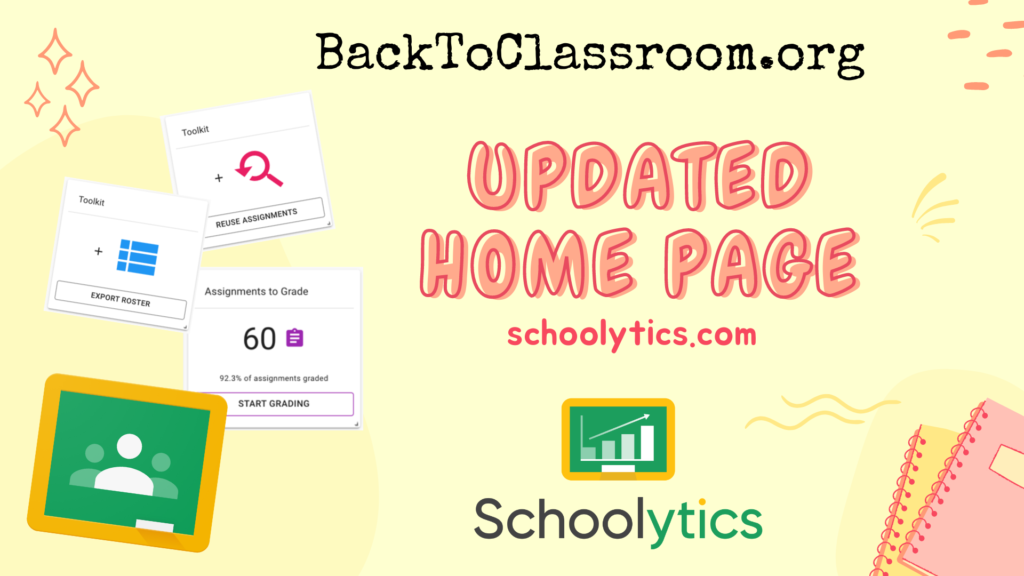
If you use Google Classroom you will be so excited about these new updates to Schoolytics that will make your life easier! Reuse assignments faster. Get a class roster. Know what to grade!
Getting the Most Out of the Sidebar
Google Classroom users, the sidebar has updated. Here is a breakdown of how. you can utilize the new layout!
Customizable Progress Reports
Webinar on creating custom progress reports from Google Classroom data.
Webinar: Managing Google Classroom from a Spreadsheet!
Gaby Sánchez learned to code Google Apps Script and wants to share with you what she has created. She has created a spreadsheet to help you do many cool things with your Google Classroom class.
Rubrics Are Not Percentages. Try Stars
Rubric scores are not a percentage. Use stars instead. Here is a template for adding to Google Classroom.
Coding Google Classroom
Ready for advanced Google Apps Script and get into coding Google Classroom? Check out this tutorial video.
Webinar: Reusing Assignments using the Schoolytics Content Library
Reusing assignments can be tedious in Google Classroom. Use Schoolytics.com to reuse assignments more easily. Bonus: You can see the full assignment description and attachments before reusing.
Student Centered: Call on Students in Google Classroom
Use the random student chooser in Google Classroom app