
Using An “Explore Board” for UDL
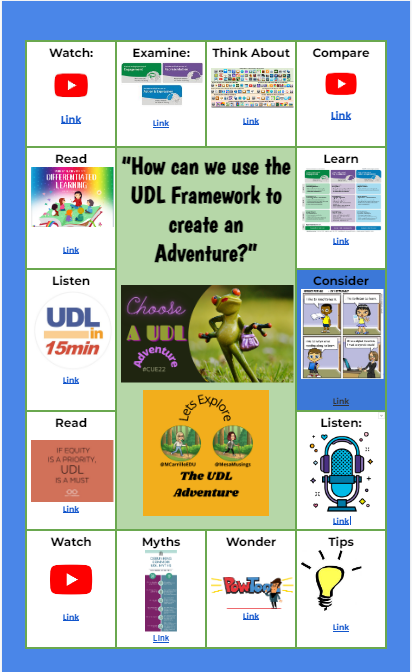
Universal Design For Learning, is a framework to improve teaching and learning by planning for all types of learners, with a focus on equity and student centered learning. I was first introduced to ‘Explore Boards’ from Holly Clark, with the Infused Classroom. Here is her blog with a complete explanation and a sample board for […]
Setting Up Google Classroom
Get started setting up your Google Classroom!
Google Classroom: Tutorial Reuse GC Add-on (Part 1)
If you are a Google Classroom user I have created an unofficial Add-on to help you better manage your class. Make a Copy of the Add-on To use the Add-on you need to make a copy of my spreadsheet. The code is “stapled” to the spreadsheet. You can only access it from the copy of […]
Webinar: Branching Google Forms
What happens if a student gets a question wrong in a Google Form? Send them to a tutorial instead of the next question!! This webinar shows you how to set up the Form
Make a Topic Per Student – Google Classroom
If you use Google Classroom this add-on is a must have. One feature is to create a topic per student. Here is how to do it!
Webinar: Roster Extras Do Fun Things
Coded by Alice, roster extras helps you do fun things with your roster.
Webinar: Wrapping Up Google Classroom
Please create a NEW Google Classroom class at least at the semester. In this webinar we will look at some ways to wrap up your Google Classroom classes. Google Slides Recording
Webinar: Using a Rubric in Google Classroom
How to use my Rubric Templates in Google Classroom. It is much easier to use spreadsheets than to make them in Google Classroom.
Scoring Guide RUBRICS in Google Classroom
So much faster and easier to give students points in Google Classroom when you use a scoring guide!!
Webinar: Better Google Classroom Progress Reports
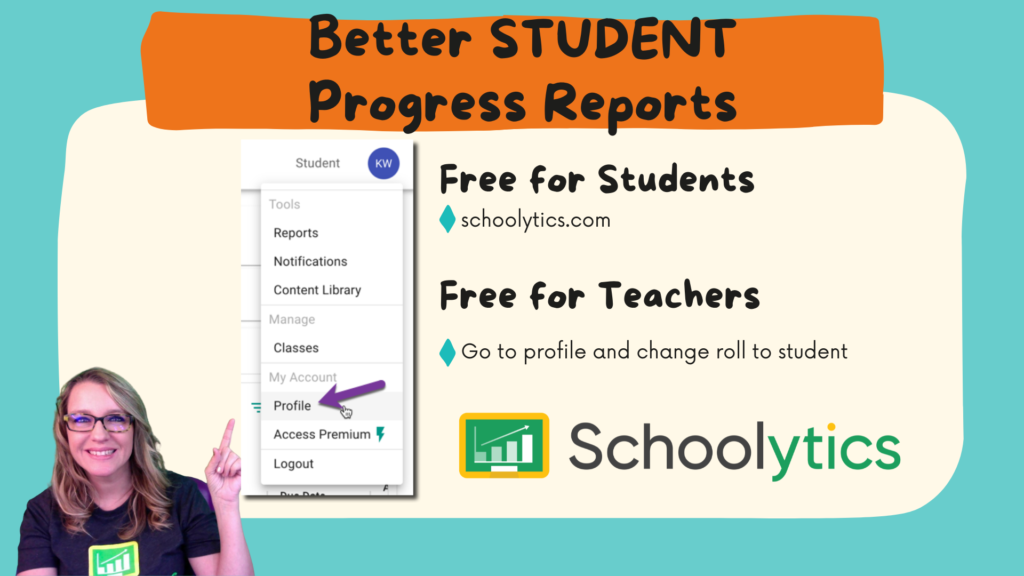
Celebrate student achievements with better progress reports in Google Classroom by using schoolytics.com