
Using and Creating Explore Boards with Marcia Mentors
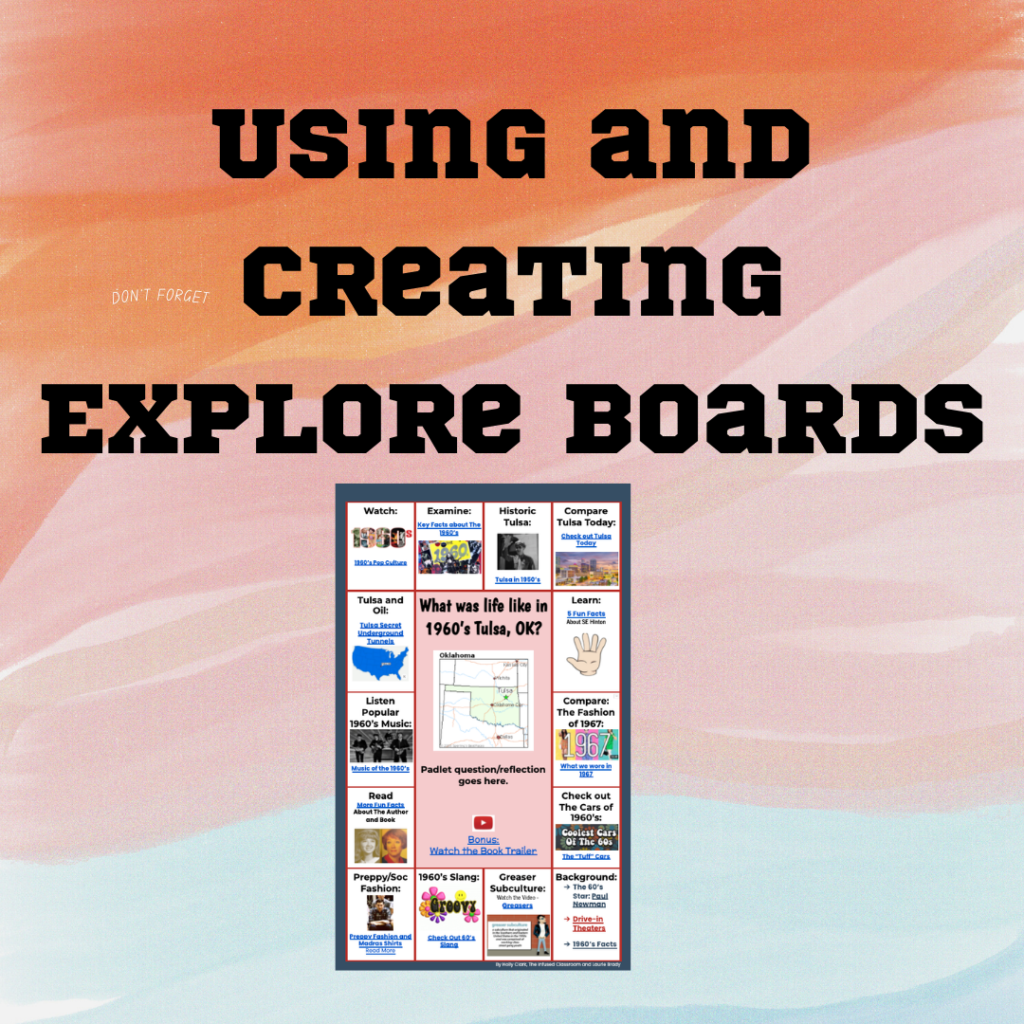
In this webinar, Marcia shares Explore Boards by Holly Clark @hollyclarkedu. Explore Boards have an essential question with a variety of media choices for students to explore, about a topic, book, concept, etc. Marcia shared some pre-made Explore Boards made by Holly Clark. Marcia also shared one she created on Universal Design for Learning. After […]
Using Quizizz to Engage All Learners with Marcia Mentors
Create a Quizizz account for FREE. Search for a specific topic to find pre-made lessons and quizzes. I recommend 10 questions or less for the most engagement and interest from students. Select a topic for FUN to help students learn the platform, such as the Olympic sport “curling”. This is a great way to get […]
Getting Started with CANVA Docs with Marcia MENTORS
In this webinar Marcia explores the new platform of CANVA Docs. Go to Canva.com and get started. Type in “docs” in the search bar to get started with a blank doc. The plus sign will allow you to add a design, heading, video, table, checklist, emojis, a timer and more. CANVA docs seems similar to […]
A Jam for Everyone Add-on
Add-on to create a Jam for interacting with your students. Creates a list so they have them all!
Create an Interactive Lesson Using Google Sheets
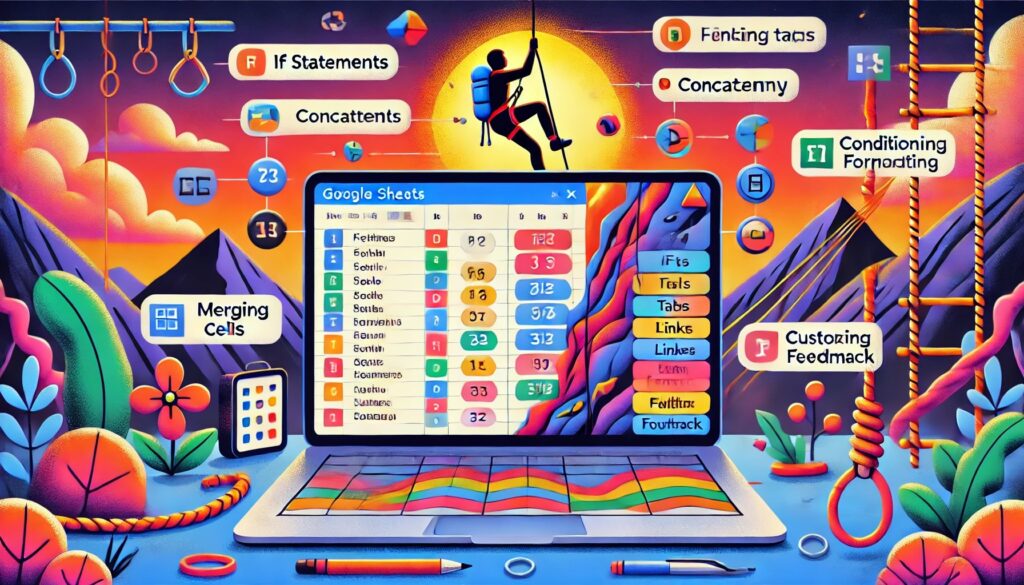
AI Generated Summary The tutorial explains how to create an interactive lesson using Google Sheets, focusing on building skills for both students and educators in using spreadsheets effectively. The instructor emphasizes the importance of teaching students how to use spreadsheets, introducing various functions like IF statements, concatenation, and conditional formatting. The lesson example revolves around […]
Add-on Check In Form!!! Reply Back!!
I created a Google Form for weekly check in for subscription members that allows me to reply to the check in. I thought some of you might want a copy this. It allows you to ask 2 questions, respond from the spreadsheet, and email the response to the student.
Webinar: Pull a Rabbit Out of the Hat
Have fun with Google Jamboard! Create a hidden spot on your Jam for students to pull things out of!
Webinar: Scheduler
Planning a fun day where students would rotate sessions? This Add-on will create the schedules for you!
Add-on Audience Participator by Alice Keeler
Exclusive Add-on for AliceKeeler premium members! Connect your Google Slides to a Google Form. Responses from the Form come back to the slides.
Student Avatar Warm Up Activity
A fun warm up activity with templates! Use Google Jamboard to prompt students with questions to get them talking.