
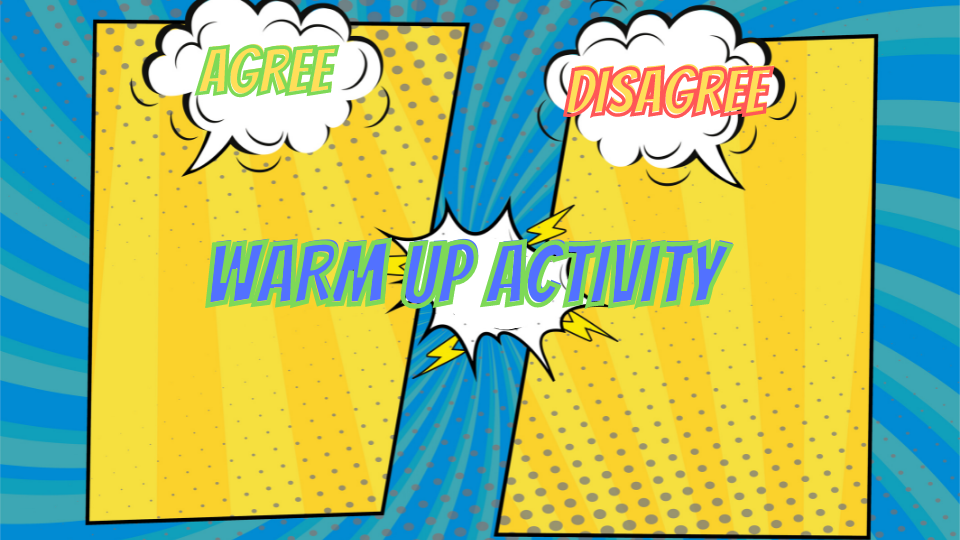
At office hours the question was, what is a fun warm up activity that can be used. This particular teacher was teaching students virtually, but the activity we came up with can be used with in person or online.
THE ACTIVITY
Share a Google Jamboard with students where you give a topic such as "Homework should be banned" or anything that students would have opinions about. Each student has an avatar in the Jamboard to move around to the agree or disagree side.
Once students have moved their avatar, call on a few students to share why they agree or disagree with the statement.
Create an Avatar
I have made a Google Slides where the page size is 1 inch by 1.5 inches. I also went to the theme builder and deleted all the extra layouts and made the background TRANSPARENT.
Share with Students
Share the Google Slides with students where "anyone with the link can edit." or in Google Classroom "Students can edit file." Each student will add their name to the top of a slide and then create an avatar of themselves. They can use the insert image option and take a selfie with the webcam. They can insert an image of a superhero character or other image to represent themselves. Or they can use the drawing tools in Slides to make themselves.
You Download as PNG
Since all the students are in the same Google Slides you have everyone's avatar in one place. Google does NOT allow you to multi-page download. Use the File menu to download as PNG for EACH student avatar. PNG is important so that the background is transparent.
Google Jamboard
You will want to upload the student avatars into the Jamboard template. This template is design to allow students to drag their avatar to which side of the topic they want to vote. You want to make it generic so it is reuseable.
In Jamboard click on the image icon in the toolbar on the left. You will need to upload each students avatar one at a time. While tedious, once you have it you have it.
Tip: Make a COPY of the Jamboard as your template so it doesn't accidentally get ruined.