
Webinar: Week 5 ChatGPT & Google Apps Script
Webinar Week 2: 4/15/23 ChatGPT & Google Apps Script
Alice Keeler leads this live session on using ChatGPT to “short cut” coding. Alice emphasizes how to articulate what you want to code to ChatGPT. Alice demonstrates the debugging process when ChatGPT might not provide the correct code. Today’s lesson will focus on “Side bars and Menus”.
TIPS: (1/18/23) What Will Overcome the Kids Being Behind?
A Note From Alice Kids Are Behind What are schools doing to get students back on track? The problem is the SCHOOLS not the kids …. pretending that we were not just in a global pandemic. We are behind because we did not change the scope and sequence. EVERYTHING HAS CHANGED! ChatGPT and other technology […]
Webinar: Coding a Mail Merge

Alice demonstrates how to code a Mail Merge. She starts off with creating a spreadsheet with all the names, email addresses and the “data” you want to send out. Open a new tab and create a unique “template” of some kind that you want to send to each person. Start the message with <<Name>> which […]
Getting Started with CANVA Docs with Marcia MENTORS
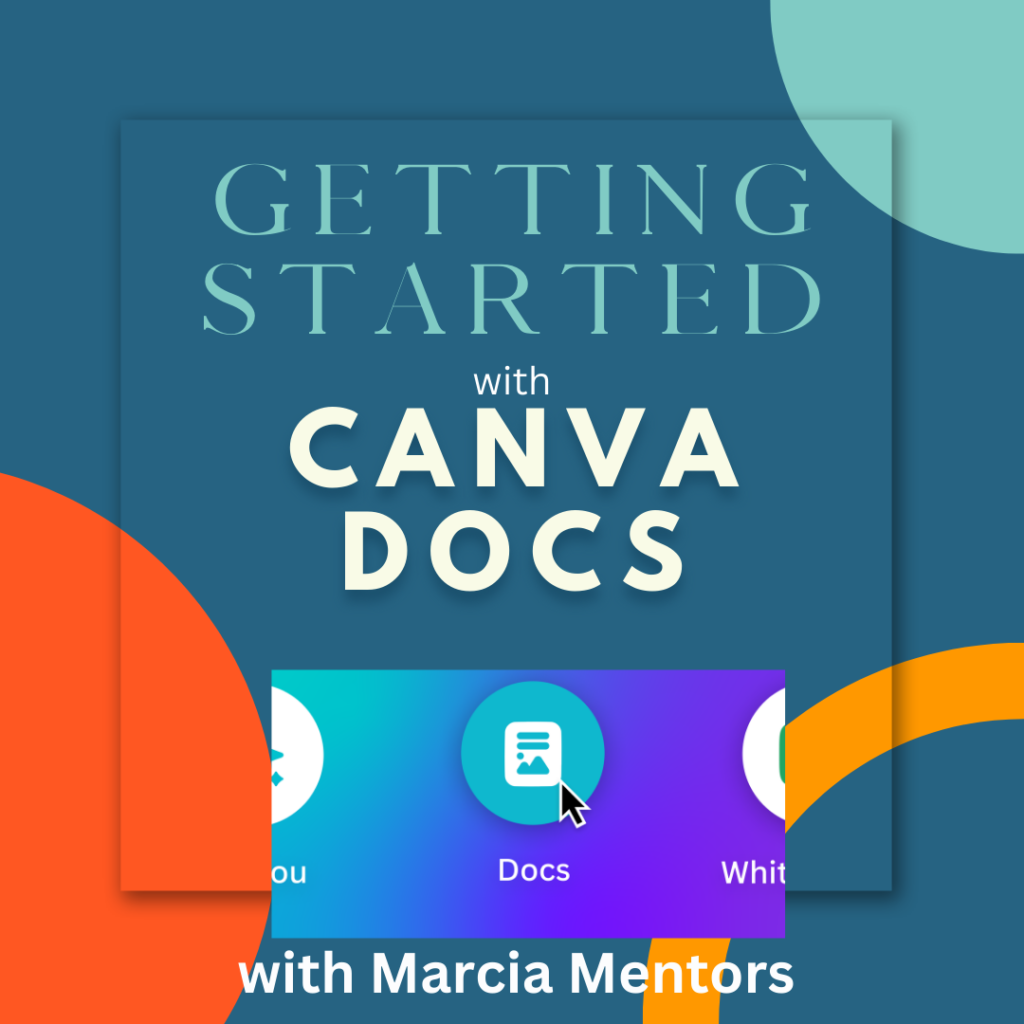
In this webinar Marcia explores the new platform of CANVA Docs. Go to Canva.com and get started. Type in “docs” in the search bar to get started with a blank doc. The plus sign will allow you to add a design, heading, video, table, checklist, emojis, a timer and more. CANVA docs seems similar to […]
Using CANVA To Create GIFS with Marcia MENTORS
Marcia demonstrates how to use CANVA to create GIFS. Simply, log on to canva.com and use the “Instagram Post” as it is a nice square, blank canvas to create a GIF. Click on the canvas and select a background color from the pallet on the top left. Add text, by selecting “TEXT” from the left […]
Webinar: ONE Google Slides for Them All
Alice demonstrates, step-by-step how to use one set of Google Slides to engage all learners. Give students a prompt or a task and ask them to ADD a slide to respond, with an image, GIF, text, video, etc. Create a new set of Google Slides by going to slides.new. Then click on the “Share” button […]
Using Padlet to Collaborate-Have you checked it out lately?
A college professor recently mentioned on twitter they were interested in having students collaborate more, in class. They are tired of only hearing from 2-3 students. They didn’t want the hassle of too many logins, security issues, set ups, etc. and yet wanted to “integrate” it into CANVAS LMS. My reply was, “Give @padlet a […]
Re-Defining Your Why
As educators, most of us came into the profession because we were inspired by other teachers, coaches, or administrators that made a difference in our lives and we also want to make a difference and help students reach their goals. 34 years later I am not sure I feel the same about why I am […]
5 Creative Ways to Use Google Slides
From the OTIS presentation by Alice Keeler here are the slides. And of course, you can ask for more!