
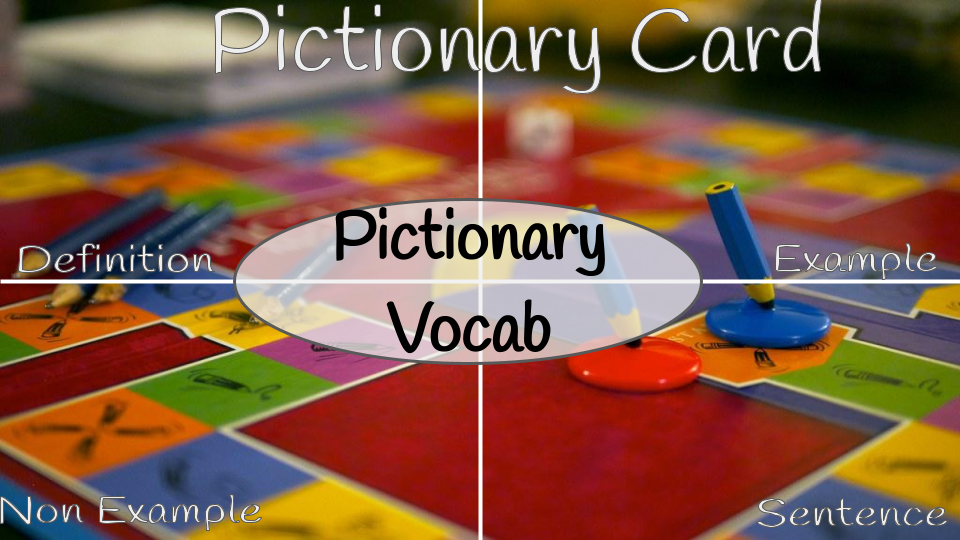
A fun way for students to do the frayer model... turn it into PICTIONARY!
How this works...
- Make a copy of the template
- In a Google Doc put your vocab words
- Use the Doc to Slides Add-on and paste the link to the pictionary slides template into the sidebar of the add on. This will add the vocab words to your slides super fast.
- Give each group a copy of the pictionary cards google slides.
- They frayer model each word
- After they are done, make a master Google Slides with all their slides (copy paste)
- Use the add on randomize slides to mix up all the student slides.
- Do class pictionary game. Divide students up into 2 teams.
- First team sends up their first person.
- Show the person drawing one of the pictionary cards from the master google slides. This is what they will draw.
- That person has 30 seconds to draw on the board. No letters or symbols... it's pictionary!
- No one says anything until the 30 seconds are up.
- 30 seconds, the team confers and decides which of the words it is. Up to you if they are allowed to reference their slides they made the day before. They get ONE GUESS.
- If they are not correct the other team gets a chance to steal the point.
- Switch teams regardless.