Have fun with Google Jamboard! Create a black spot on a frame that you can hide things behind.
Template
Make a Background
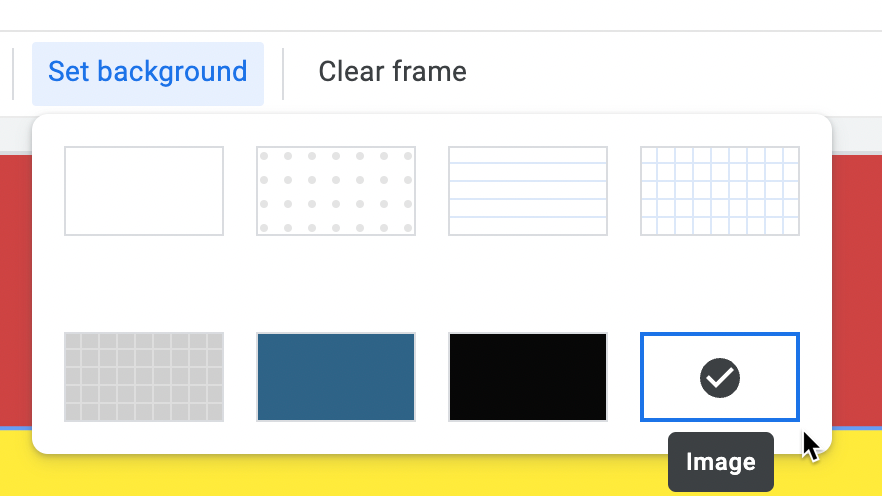
oops, I forgot to show HOW to make a background in the webinar. I just make a Google Slides or presentation in Canva and add clipart to the slide that has black on it. Download as a PNG. In Jamboard click on "Set background" and choose the last option "Image" to upload a background image.