
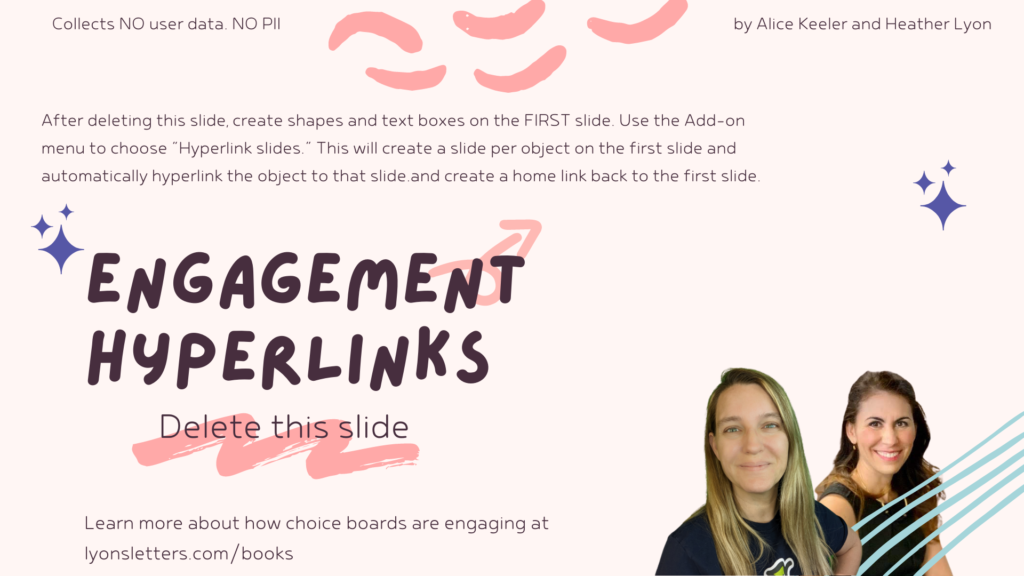
Have you ever made a choice board in Google Slides? It is really time consuming to hyperlink all of the text boxes to the individual slides. This Add-on template I have created will automatically create a slide per textbox and hyperlink it back to the first slide.

- Make a copy of the template.
- DELETE THE FIRST SLIDE. That is just the directions. Very important that you delete the first slide.
- The first slide needs to be the choices. Create a slide with shapes or textboxes for all the choices.
- Use the Add-on menu and choose Hyperlink Slides.
- Authorize the Add-on (collects no user data. NO PII)
- Choose "Create slides" and a slide will be automatically created per object on the first slide. The text from that object will be placed in the speaker notes. The object on the first slide will be hyperlinked back to the first slide.
- Design each slide for the choice.
- Use the File menu and choose "Publish to the web."
- Share the published link with students.
YouTube Tutorial
Google Slides Sample
Try it out!! Click on one of the choices and then use the house icon in the bottom to right corner to return to the home screen.