
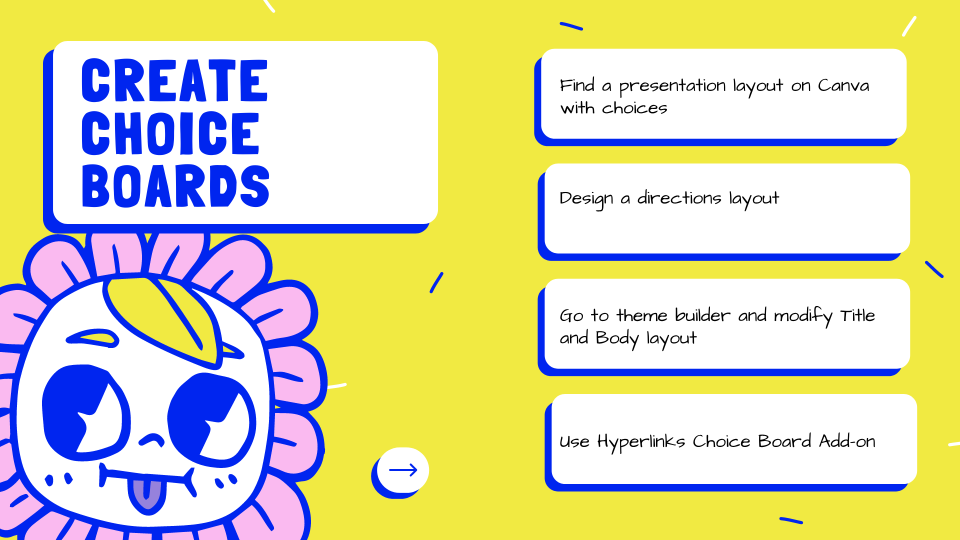
It is fast and easy to customize your Google Slides choice board. You need 2 designs in Canva. One to show the navigation, the other for the choice option. Set as the background in the theme builder. In this workshop you will design backgrounds for Google Slides and use the Hyperlink Slides Choice Board to create your choice board.
Install the Hyperlink Slides Choice Board
Google Slides
Click on the text choices to navigate in the Google Slides.