
This premium Add-on allows you to copy a folder in your school Google Drive to a folder in your personal Google Drive.
How This Works
You want to make the copy of the Add-on (which is a spreadsheet) in your PERSONAL ACCOUNT. (Rather, the destination account. Where you want to copy files TO.)
In your SCHOOL ACCOUNT (Rather, your originating account) you want to get files into a folder and share that folder with your personal account.
You Are a Member
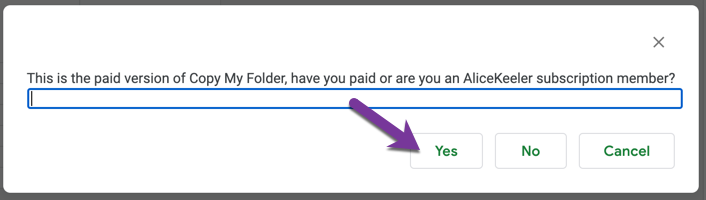
Use the Add-on menu to choose Copy My Folder Pro. It will ask you if you are a member, say yes.
Pick the Folder
In the sidebar locate the shared folder in your Google Drive. Be sure to SINGLE click when you select the folder.
5 Minute Limit
Something I can not control is that the Add-on will time out after 5 minutes in a personal account. (School accounts time out after 30 minutes.) You will need to run the Add-on again if it times out.
2 Responses
This doesn’t do subfolders, correct?
It does ONE LEVEL of subfolders