
By member request I have created an Add-on that will expire the Google Form after a set number of minutes, hours, or days. Note that triggers are not precise to the second/minute.
Directions
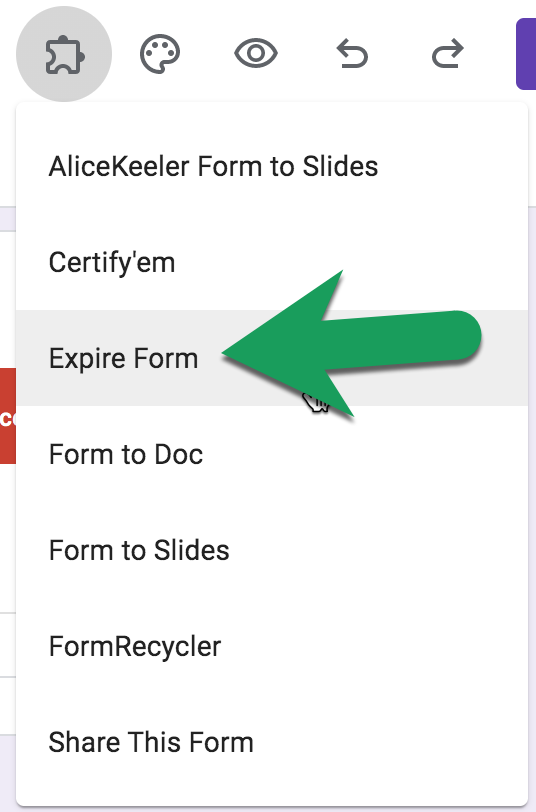
You will need to make a copy of the Add-on and then create your Google Form from the copy. When you are ready to set the expiration timer, use the puzzle piece menu at the top to select "Expire Form."
How Many Minutes
Choose how many minutes, hours, or days you want the Form to run for.
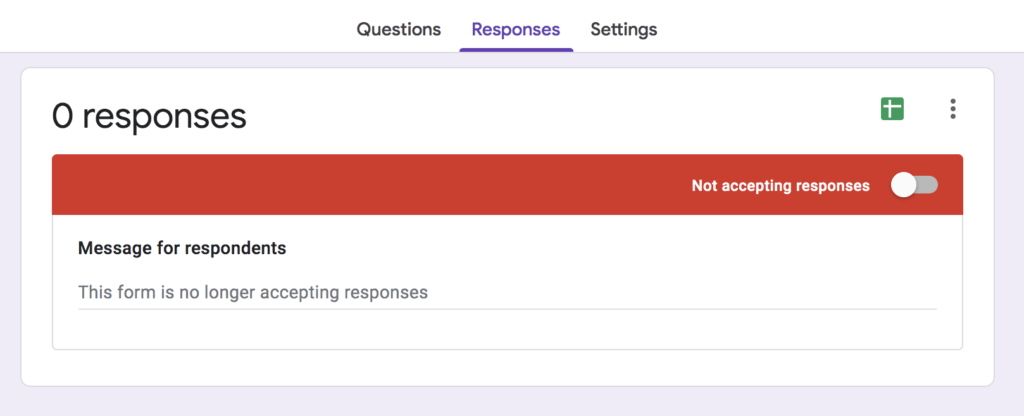
Not Accepting Responses
When the trigger expires it will automatically change the setting to "Not accepting responses."
Use it with your own form
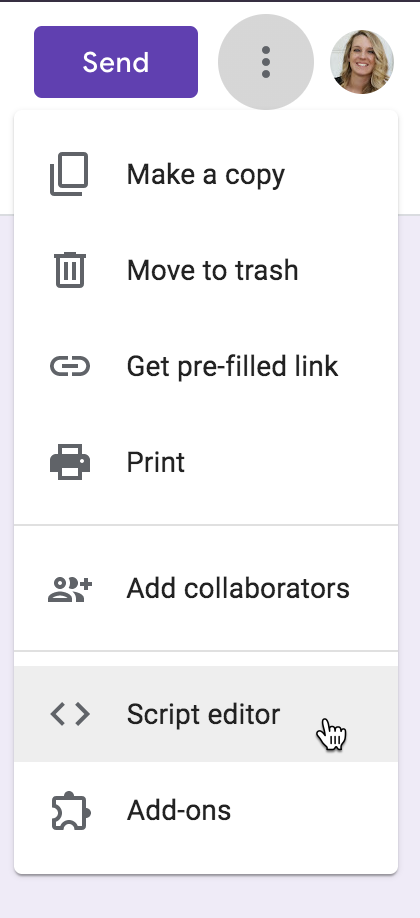
Do you already have a Google Form you want to add this code to? No problem. Just go to the 3 dots menu and select "Script editor." Copy and paste the code from this Script Editor into the script editor of the form you already have.
2 Responses
This is really nice. I’m gonna try it out. Thanks Alice
Glad you thought it was helpful!!