
5 Things to Try in AI
Go to ChatGPT
I am VERY skeptical of thinking that AI is going to save the teaching profession. Are we better off by letting robots make lessons and do the grading/feedback? Making school less personal never seems like the solution.
BUT I AM ALSO A BIG FAN....
If you sign in and give me enough details, I will try using AI for you!
Folder of AI Responses
The trick is to
- Realize that AI finds patterns and not necessarily factual information.
- DO NOT TRUST the results, fact check and argue.
- Provide the Generative AI chatbot as many details about your style of teaching and what you want to focus on.
1) Create a Detailed Statement of What You Value
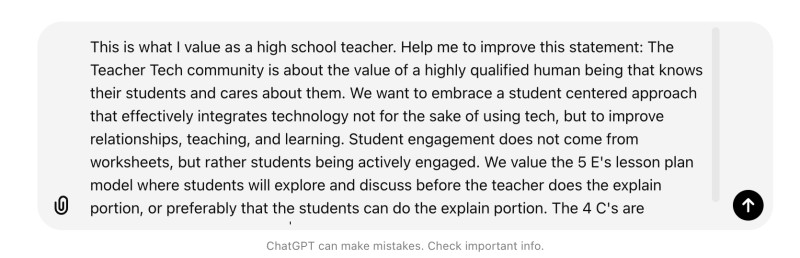
Take the time to create a LONG paragraphs or paragraphs of what you value. Paste into the chat conversation and ask the chatbot to reword what you shared. This helps to "prime the pump" for the conversation to reflect your values. Include what grade you teach and subjects.
The Teacher Tech community is about the value of a highly qualified human being that knows their students and cares about them. We want to embrace a student centered approach that effectively integrates technology not for the sake of using tech, but to improve relationships, teaching, and learning. Student engagement does not come from worksheets, but rather students being actively engaged. We value the 5 E's lesson plan model where students will explore and discuss before the teacher does the explain portion, or preferably that the students can do the explain portion. The 4 C's are integrated into every lesson.
Copy the Improved Statement
If you like the statement, copy it. If not, you can have a natural conversation with the chatbot to say things like "Also include how student interests will be integrated." Keep providing additional things you value until you like the statement.
2) Go to your icon in the upper right to customize ChatGPT
If you logged into ChatGPT with your Google Account your profile image will be in the upper right. Click on this to "Customize ChatGPT."
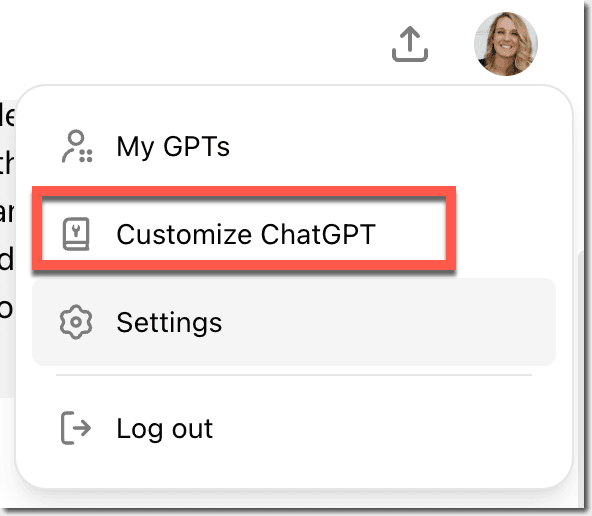
Paste the copied statement of your values for your classroom in the top box under "Custom Instructions."
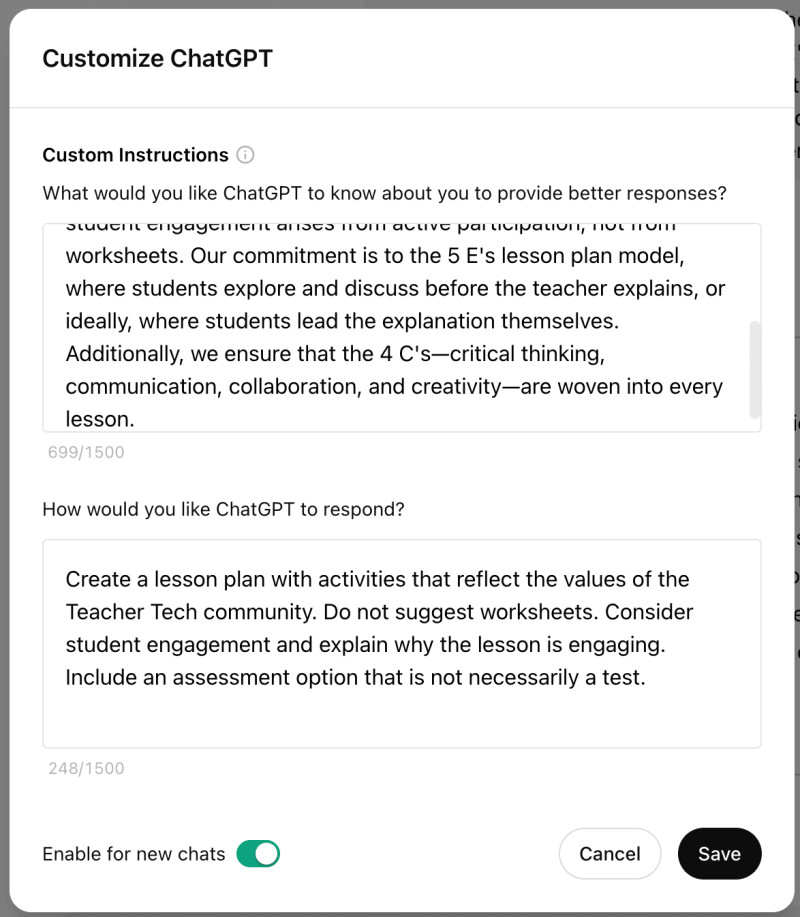
In the 2nd box is "How would you like ChatGPT to respond?" Indicate that you are looking for lesson planning activities. What types of things do you want ChatGPT to include?
Create a lesson plan with activities that reflect the values of the Teacher Tech community. Do not suggest worksheets. Consider student engagement and explain why the lesson is engaging. Include an assessment option that is not necessarily a test.
3) Try a conversation with ChatGPT where you ask for a lesson
Since you have now loaded ChatGPT with some permanent directions, you can be less detailed when you do ask for teaching resources. Try "Create a lesson plan on..."
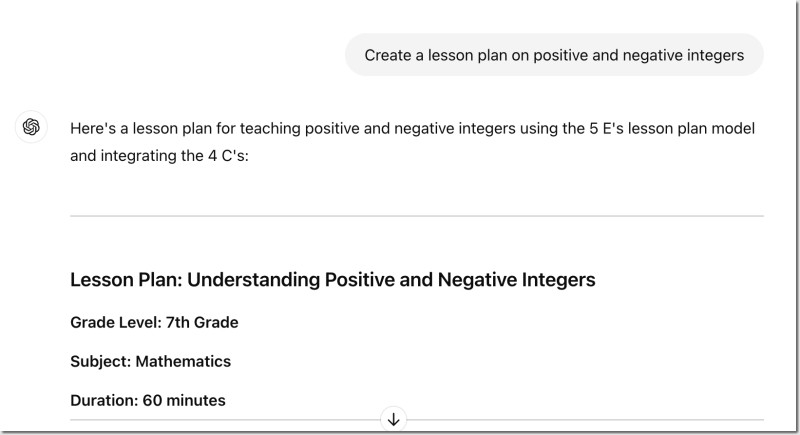
DO NOT ASSUME CHATGPT KNOWS WHAT A GOOD LESSON IS!!
One of my concerns about AI is, particularly new teachers, "white coat syndrome" that one might assume the AI ChatBot has better knowledge or capablity than you. TRUST YOURSELF!
4) Argue and Keep Arguing
Very likely the first draft of the lesson is not perfect. I usually find the "student engagement" elements are not really engaging. I often say "this is boring try again" or "Include something about Minecraft"
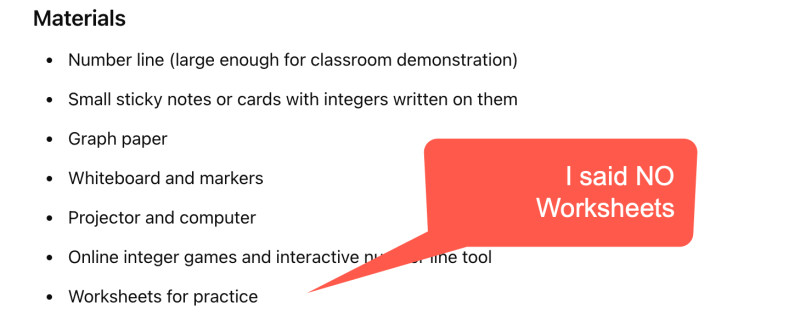
In my directions I said no worksheets... and yet it wants to give me worksheets. This is typical.
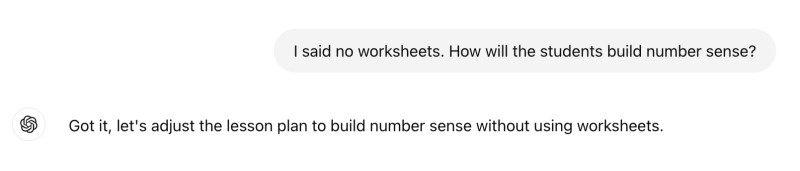
So I remind the conversation that I said no worksheets, and I also want ....
As you read the lesson plan, you will be able to critique the results and tell ChatGPT your critique.
- "I like this..."
- "I don't like that..."
- "I want to also include..."
5) Paste into Google Docs
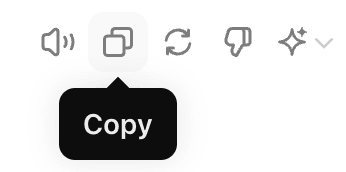
Click the copy icon and Control V paste into a Google Doc
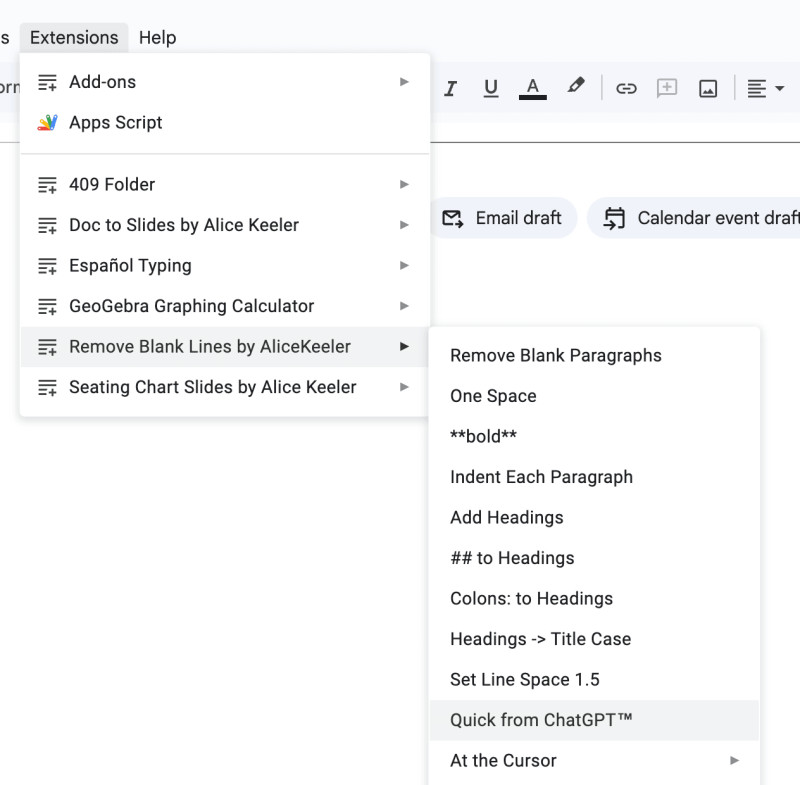
I have an Add-on I coded for Google Docs for fixing the formatting since it pastes in Markdown. Use the Extensions menu to select "Remove Blank Lines by AliceKeeler" and then select "Quick from ChatGPT"
Premium Add-ons
On the alicekeelermembership.com website is a tag cloud to help you narrow down resources. Check out some of the premium Add-ons (many are unofficial, so you'll need to make a copy from the membership page.)